
Our Products
Comprehensive industrial automation solutions for global industries
Contact us
If you are interested in our products and want to know more details,please Contact us,we will reply you as soon as we can.
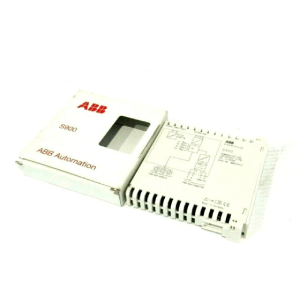
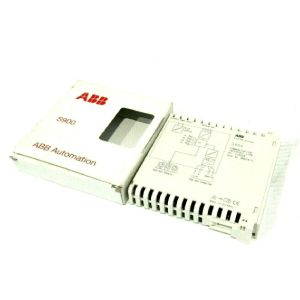
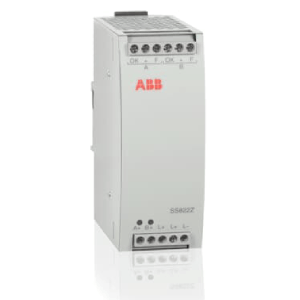
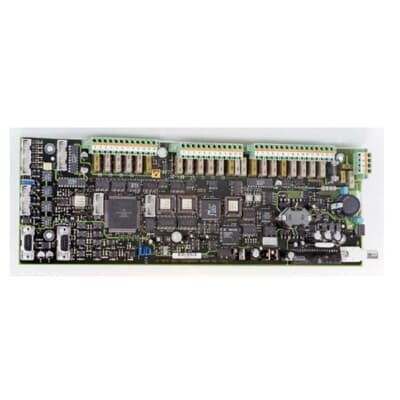
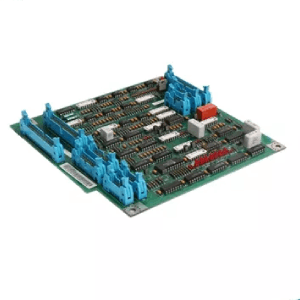
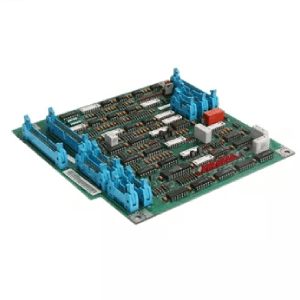
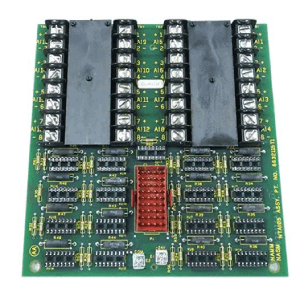
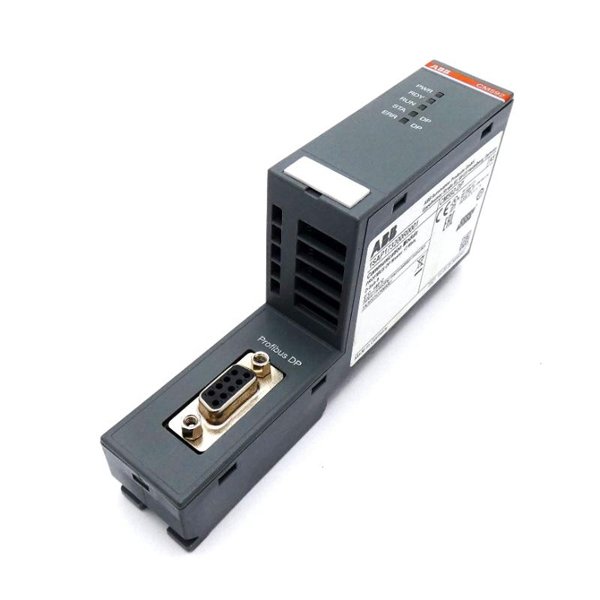
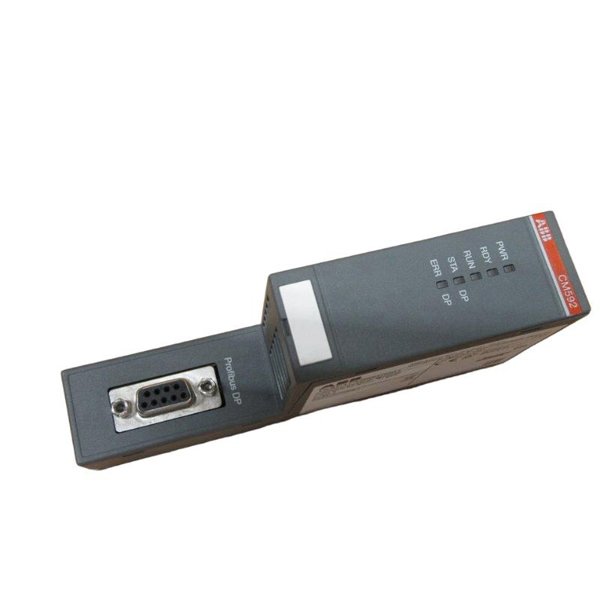
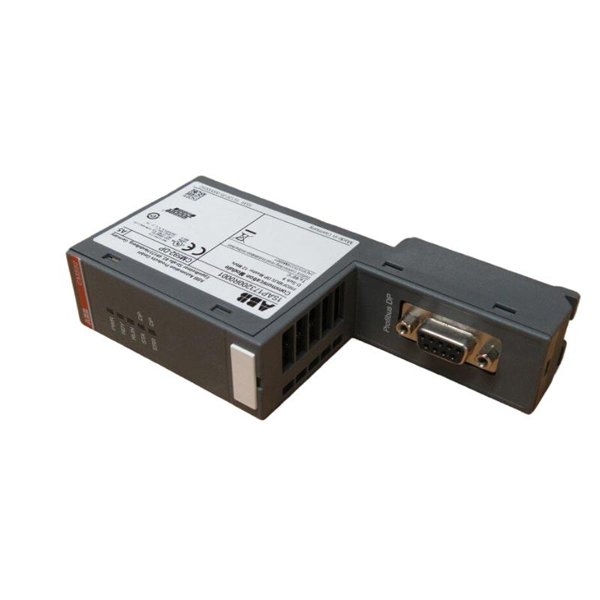
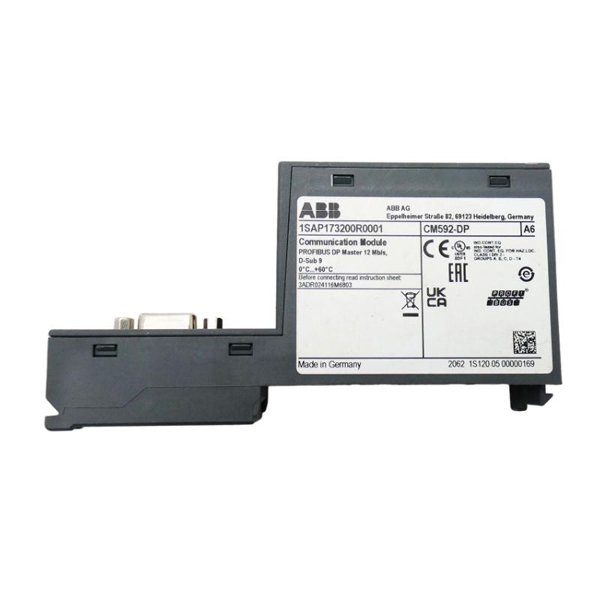
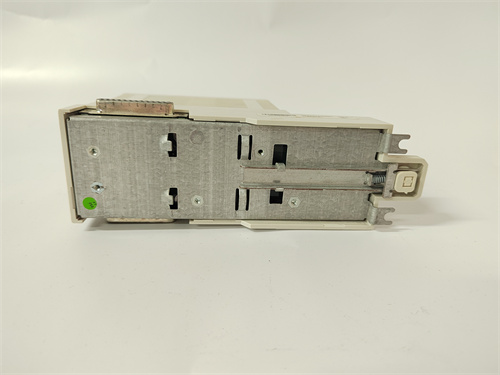
ABB CM592-DP 1SAP173200R0001 Communication Module
Manufacturer:ABB
Product Number:CM592-DP 1SAP173200R0001
Condition:Communication module
Origin:Sweden
Dimensions:62 × 135 × 28 mm
Weight:0.092 kg
Views:31
Payment Methods:T/T, PayPal, Western Union
Condition:New & In Stock
Warranty:1 Year
Lead Time:1-3 Working Days
Certificate:COO
Courier partners:DHL, UPS, TNT, FedEx and EMS.
Business hours:7*24
Product Description
The module supports PROFIBUS DP-V0 and DP-V1 protocols, allowing cyclic and acyclic communication with slave devices. As part of ABB’s automation ecosystem, the CM592-DP ensures consistent interoperability, efficient diagnostics, and straightforward commissioning using tools like PS501 Control Builder and Automation Builder.
Technical Specifications
| Parameter | Details |
|---|---|
| Module Type | PROFIBUS DP Communication Module |
| Product Code | 1SAP173200R0001 |
| Communication Standard | PROFIBUS DP-V0, DP-V1 |
| Baud Rate | 9.6 kbps to 12 Mbps |
| PROFIBUS Connector | 9-pin Sub-D connector |
| Power Supply Voltage | 24 VDC (via system bus) |
| Max Power Consumption | 1.5 W |
| Installation | DIN rail mounting (35 mm standard rail) |
| Operating Temperature | -25°C to +60°C |
| Storage Temperature | -40°C to +70°C |
| Relative Humidity | 5% to 95% (non-condensing) |
| Dimensions | 62 × 135 × 28 mm |
| Weight | 0.092 kg |
| Protection Class | IP20 |
| Configuration Tool | PS501 / Automation Builder |
Product Advantages
Reliable PROFIBUS Integration: Enables seamless data exchange with a wide array of third-party field devices.
AC500 Platform Compatibility: Fully integrates into ABB’s modular AC500 PLC ecosystem, enhancing expandability and control flexibility.
High-Speed Communication: Supports up to 12 Mbps, making it suitable for real-time industrial automation applications.
Diagnostics and Monitoring: Built-in diagnostic LEDs and software status indicators allow fast troubleshooting.
Flexible Mounting: Compact DIN rail design allows for easy installation in constrained control cabinets.
Long-Term Support: Backed by ABB’s global support and lifecycle service network.
Applications
The CM592-DP is well-suited for applications across various industries that require robust communication between PLCs and field devices using the PROFIBUS protocol:
Factory Automation: Control and monitoring of drives, sensors, actuators, and remote I/O modules.
Process Industries: Seamless integration with PROFIBUS-compatible field instruments in oil & gas, chemical, and power sectors.
Material Handling: Communication with motor controllers and conveyor system modules.
Water and Wastewater Management: Remote device communication in treatment plants.
Food & Beverage: Real-time control of production lines through PROFIBUS field devices.
Installation Instructions
Power Off the System: Ensure the power to the PLC system is turned off.
DIN Rail Mounting: Mount the CM592-DP securely on a 35 mm DIN rail.
Connect PROFIBUS Cable: Attach the PROFIBUS cable to the 9-pin Sub-D connector.
Integrate with AC500 CPU: Slide the module into the expansion slot and ensure the system bus connector is engaged.
Power On and Configure: Power the system, then use ABB’s PS501 or Automation Builder software to configure PROFIBUS settings.
Test Communication: Run diagnostic tools to verify connectivity and proper communication with slave devices.
Frequently Asked Questions (FAQ)
Q1: What is the function of the CM592-DP module?
A1: It acts as a PROFIBUS DP communication interface, allowing ABB PLCs to communicate with other PROFIBUS-compatible devices.
Q2: Is it possible to use CM592-DP as a PROFIBUS slave?
A2: No. The CM592-DP functions as a PROFIBUS master module only.
Q3: Which software is needed to configure the CM592-DP?
A3: PS501 Control Builder or Automation Builder can be used for configuration and diagnostics.
Q4: What’s the maximum number of PROFIBUS devices supported?
A4: The module supports up to 125 devices per segment, depending on cable length and network configuration.
Q5: Can this module be hot-swapped during operation?
A5: No, it is recommended to power down the system before removing or installing the module.
Q6: What protocols does it support?
A6: It supports PROFIBUS DP-V0 and DP-V1 protocols.
Q7: Is there any built-in diagnostic feature?
A7: Yes, status LEDs and software diagnostic tools provide insights into communication health.
Q8: Can it be used with non-ABB devices?
A8: Yes, as long as the devices follow PROFIBUS DP standards.
Q9: What protection rating does the module offer?
A9: It has an IP20 protection rating, suitable for cabinet installations.
Q10: What is the main difference between CM592-DP and CM579-COM?
A10: CM592-DP specifically provides PROFIBUS communication, while CM579-COM supports other serial protocols such as Modbus.
 Loading comments...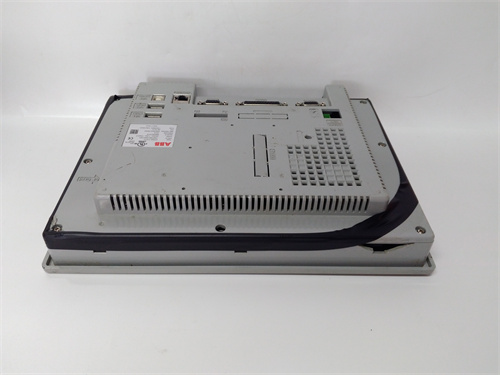
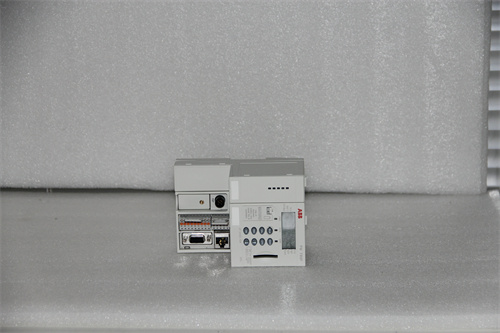
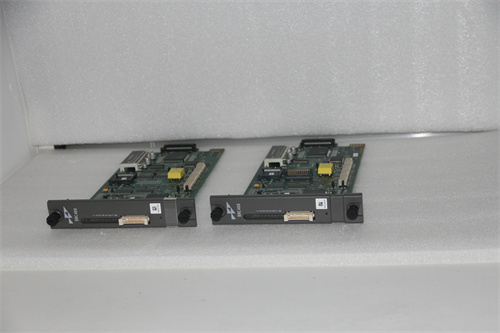
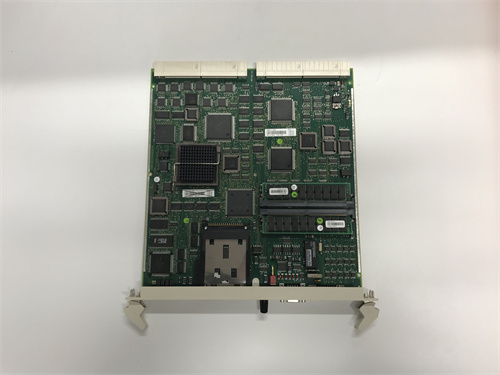
ABB CM592-DP 1SAP173200R0001 Communication Module
Manufacturer:ABB
Product Number:CM592-DP 1SAP173200R0001
Condition:Communication module
Origin:Sweden
Dimensions:62 × 135 × 28 mm
Weight:0.092 kg
Views:31
Payment Methods:T/T, PayPal, Western Union
Condition:New & In Stock
Warranty:1 Year
Lead Time:1-3 Working Days
Certificate:COO
Courier partners:DHL, UPS, TNT, FedEx and EMS.
Business hours:7*24
Product Description
The module supports PROFIBUS DP-V0 and DP-V1 protocols, allowing cyclic and acyclic communication with slave devices. As part of ABB’s automation ecosystem, the CM592-DP ensures consistent interoperability, efficient diagnostics, and straightforward commissioning using tools like PS501 Control Builder and Automation Builder.
Technical Specifications
| Parameter | Details |
|---|---|
| Module Type | PROFIBUS DP Communication Module |
| Product Code | 1SAP173200R0001 |
| Communication Standard | PROFIBUS DP-V0, DP-V1 |
| Baud Rate | 9.6 kbps to 12 Mbps |
| PROFIBUS Connector | 9-pin Sub-D connector |
| Power Supply Voltage | 24 VDC (via system bus) |
| Max Power Consumption | 1.5 W |
| Installation | DIN rail mounting (35 mm standard rail) |
| Operating Temperature | -25°C to +60°C |
| Storage Temperature | -40°C to +70°C |
| Relative Humidity | 5% to 95% (non-condensing) |
| Dimensions | 62 × 135 × 28 mm |
| Weight | 0.092 kg |
| Protection Class | IP20 |
| Configuration Tool | PS501 / Automation Builder |
Product Advantages
Reliable PROFIBUS Integration: Enables seamless data exchange with a wide array of third-party field devices.
AC500 Platform Compatibility: Fully integrates into ABB’s modular AC500 PLC ecosystem, enhancing expandability and control flexibility.
High-Speed Communication: Supports up to 12 Mbps, making it suitable for real-time industrial automation applications.
Diagnostics and Monitoring: Built-in diagnostic LEDs and software status indicators allow fast troubleshooting.
Flexible Mounting: Compact DIN rail design allows for easy installation in constrained control cabinets.
Long-Term Support: Backed by ABB’s global support and lifecycle service network.
Applications
The CM592-DP is well-suited for applications across various industries that require robust communication between PLCs and field devices using the PROFIBUS protocol:
Factory Automation: Control and monitoring of drives, sensors, actuators, and remote I/O modules.
Process Industries: Seamless integration with PROFIBUS-compatible field instruments in oil & gas, chemical, and power sectors.
Material Handling: Communication with motor controllers and conveyor system modules.
Water and Wastewater Management: Remote device communication in treatment plants.
Food & Beverage: Real-time control of production lines through PROFIBUS field devices.
Installation Instructions
Power Off the System: Ensure the power to the PLC system is turned off.
DIN Rail Mounting: Mount the CM592-DP securely on a 35 mm DIN rail.
Connect PROFIBUS Cable: Attach the PROFIBUS cable to the 9-pin Sub-D connector.
Integrate with AC500 CPU: Slide the module into the expansion slot and ensure the system bus connector is engaged.
Power On and Configure: Power the system, then use ABB’s PS501 or Automation Builder software to configure PROFIBUS settings.
Test Communication: Run diagnostic tools to verify connectivity and proper communication with slave devices.
Frequently Asked Questions (FAQ)
Q1: What is the function of the CM592-DP module?
A1: It acts as a PROFIBUS DP communication interface, allowing ABB PLCs to communicate with other PROFIBUS-compatible devices.
Q2: Is it possible to use CM592-DP as a PROFIBUS slave?
A2: No. The CM592-DP functions as a PROFIBUS master module only.
Q3: Which software is needed to configure the CM592-DP?
A3: PS501 Control Builder or Automation Builder can be used for configuration and diagnostics.
Q4: What’s the maximum number of PROFIBUS devices supported?
A4: The module supports up to 125 devices per segment, depending on cable length and network configuration.
Q5: Can this module be hot-swapped during operation?
A5: No, it is recommended to power down the system before removing or installing the module.
Q6: What protocols does it support?
A6: It supports PROFIBUS DP-V0 and DP-V1 protocols.
Q7: Is there any built-in diagnostic feature?
A7: Yes, status LEDs and software diagnostic tools provide insights into communication health.
Q8: Can it be used with non-ABB devices?
A8: Yes, as long as the devices follow PROFIBUS DP standards.
Q9: What protection rating does the module offer?
A9: It has an IP20 protection rating, suitable for cabinet installations.
Q10: What is the main difference between CM592-DP and CM579-COM?
A10: CM592-DP specifically provides PROFIBUS communication, while CM579-COM supports other serial protocols such as Modbus.
Need a Custom Automation Solution?
Our team of experts can design and implement a tailored automation system to meet your specific requirements.