
Our Products
Comprehensive industrial automation solutions for global industries
Contact us
If you are interested in our products and want to know more details,please Contact us,we will reply you as soon as we can.
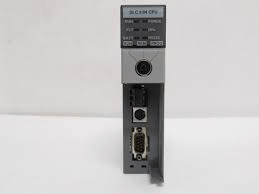
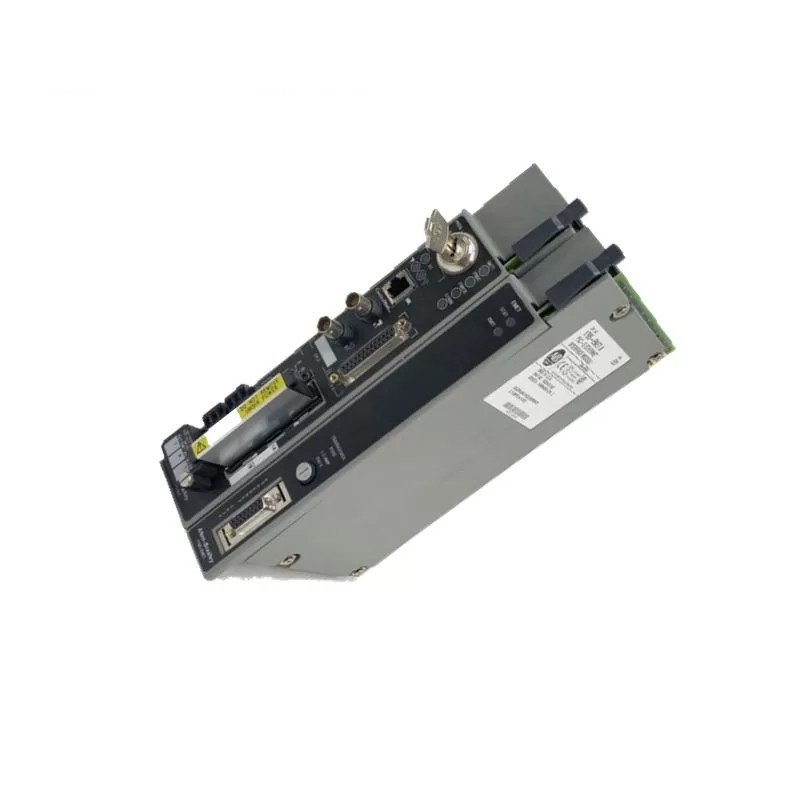
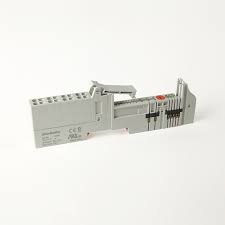
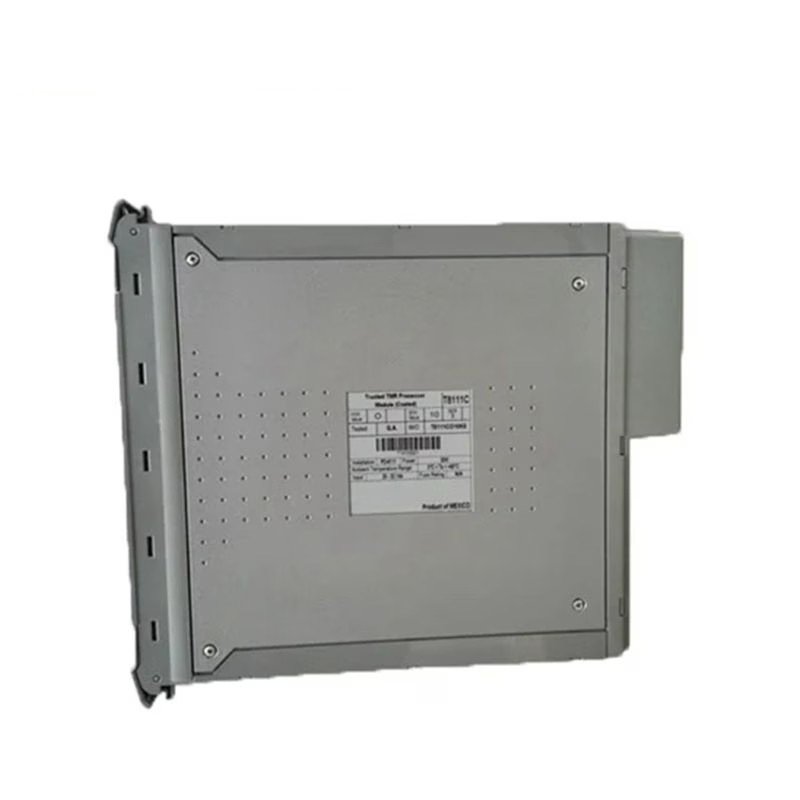
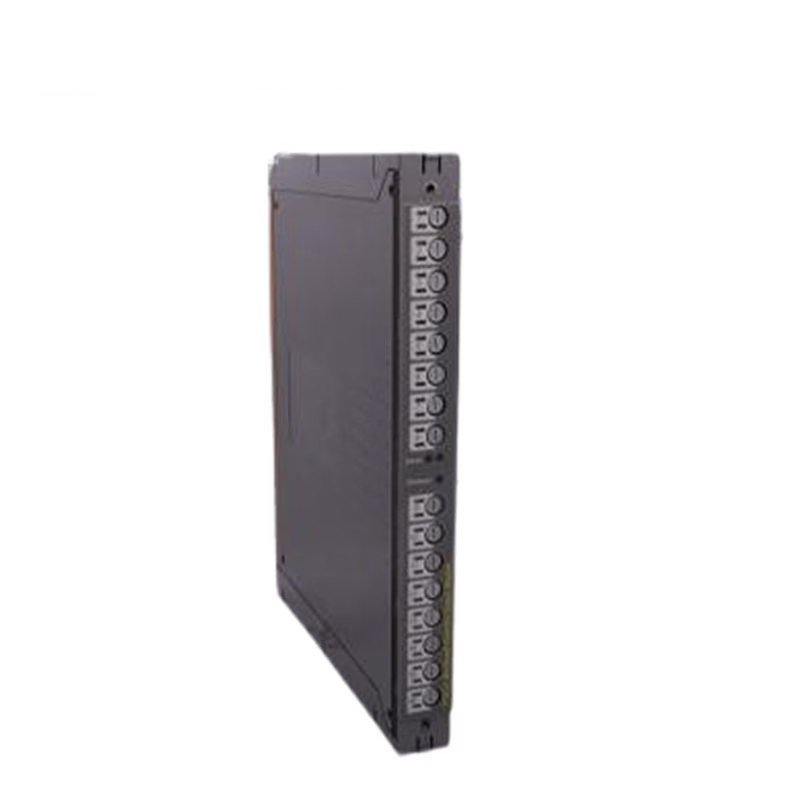
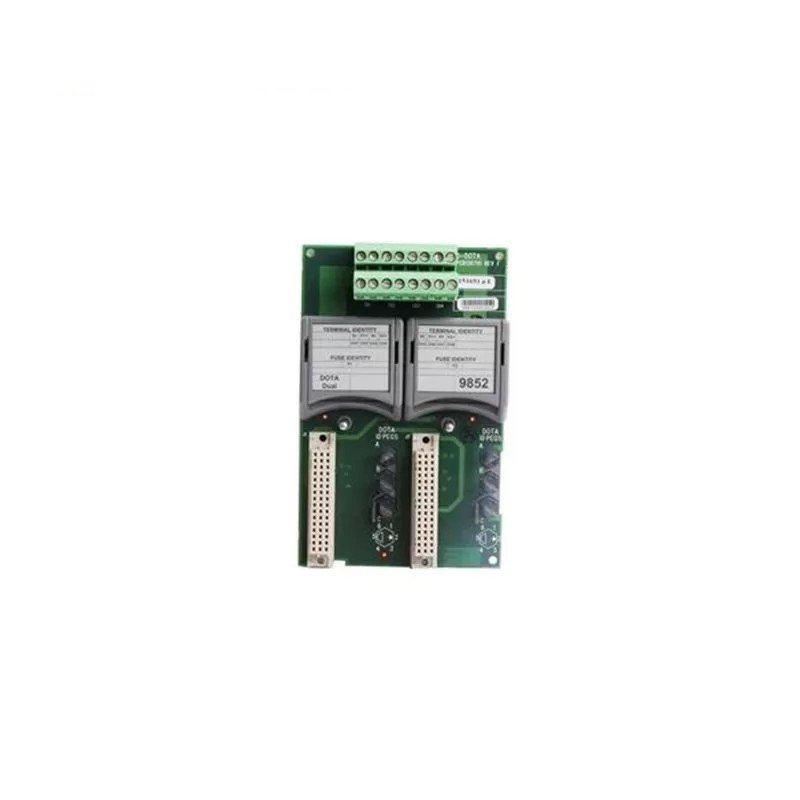
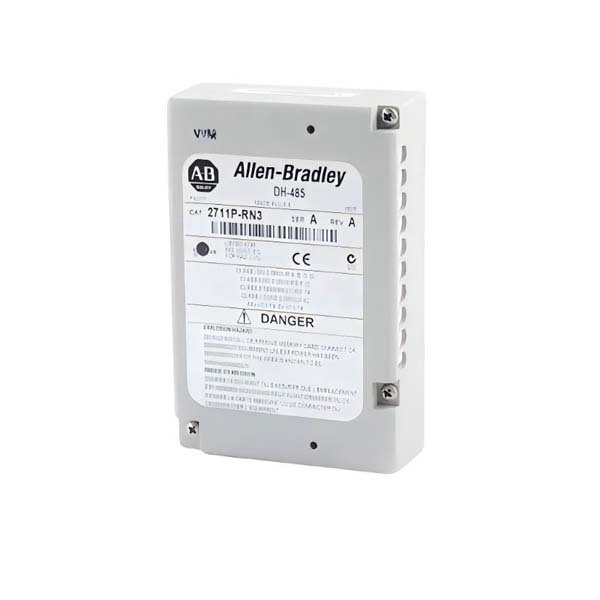
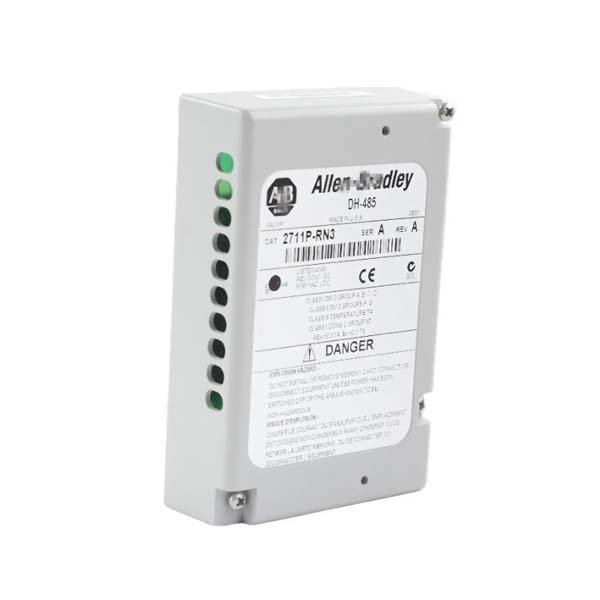
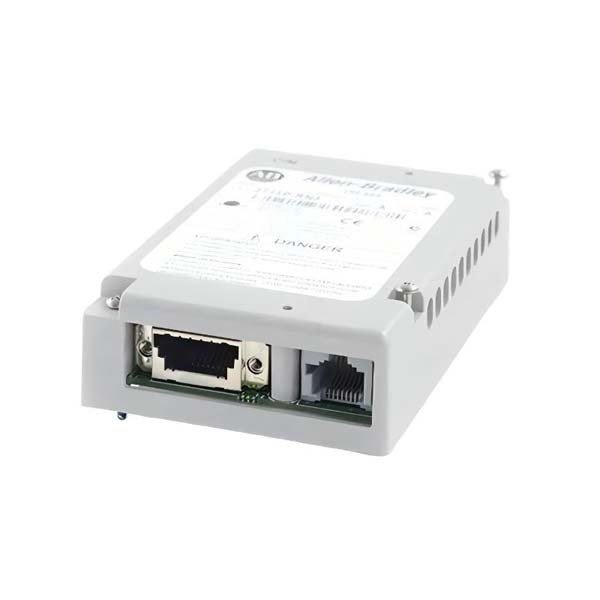
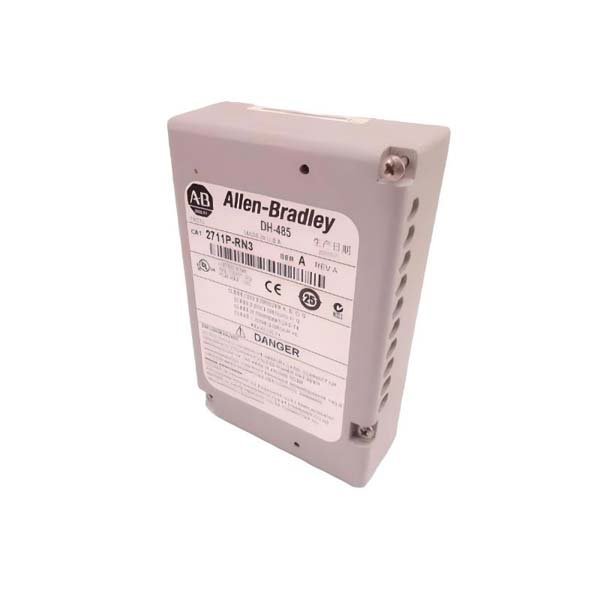
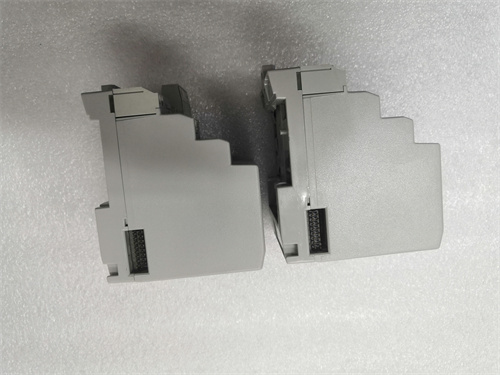
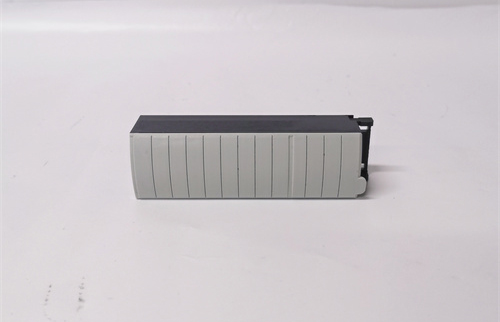
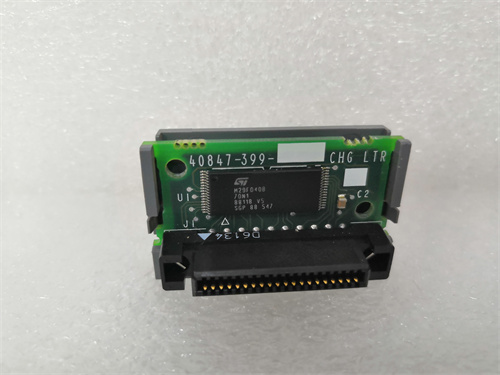
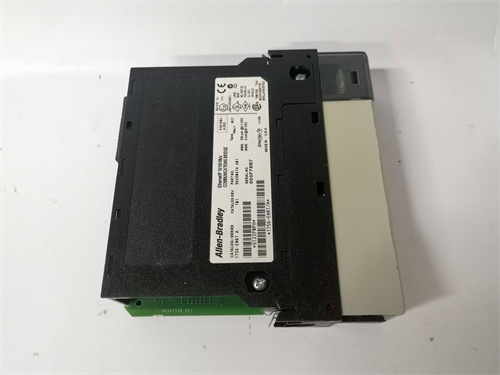
Allen-Bradley 2711P-RN3 Communication Module
Manufacturer:Allen Bradley
Product Number:2711P-RN3
Product Type:Communication Module
Origin:USA
Dimensions:60 × 90 × 25 mm
Weight:0.07 kg
Views:147
Payment Methods:T/T, PayPal, Western Union
Condition:New & In Stock
Warranty:1 Year
Lead Time:1-3 Working Days
Certificate:COO
Courier partners:DHL, UPS, TNT, FedEx and EMS.
Business hours:7*24
Product Description
The Allen-Bradley 2711P-RN3 is a DH-485 communication module designed to add legacy serial network connectivity to PanelView Plus operator terminals. It provides a compact, field-serviceable interface that allows PanelView units to talk to SLC and MicroLogix controllers over the DH-485 serial network, enabling HMI screens, alarms and operator interactions on older automation architectures.
Technical Specifications (Key Parameters — includes size & weight)
| Parameter | Specification |
|---|---|
| Product Type | Communication Module (DH-485 Interface) |
| Model Number | 2711P-RN3 |
| Primary Function | DH-485 serial network interface for PanelView Plus 400/600 |
| Compatible HMI Models | PanelView Plus 400 / PanelView Plus 600 |
| Protocol | DH-485 (serial multidrop) |
| Physical Connection | 9-pin D-sub (or manufacturer terminal block per terminal variant) |
| Baud Rates Supported | Typical DH-485 speeds (configurable) |
| Operating Temperature | 0°C to +55°C |
| Storage Temperature | -40°C to +85°C |
| Relative Humidity | 5% – 95% non-condensing |
| Enclosure Rating | Mounted in HMI — conforms to PanelView enclosure rating (IP20/NEMA Type 1 inside cabinet) |
| Mounting | Plug-in communication slot on PanelView backplane |
| Dimensions (H × W × D) | 60 × 90 × 25 mm (2.36 × 3.54 × 0.98 in) (module only, approximate) |
| Weight | 0.07 kg (0.15 lb) (module only, approximate) |
| Status | Legacy / discontinued in many ranges — plan migration for new projects |
Applications & Typical Use Cases
-
Restoring or maintaining HMI connectivity on legacy DH-485 networks.
-
Retrofitting PanelView Plus terminals into older SLC/MicroLogix based systems.
-
Small-scale plants where Ethernet migration is deferred and serial networks persist.
-
Diagnostic and commissioning tasks that require direct HMI-to-controller serial communication.
Advantages & Field Considerations
-
Simple plug-in installation into PanelView backplane with captive screws.
-
Keeps existing DH-485 infrastructure operational without replacing panels.
-
Minimal footprint and negligible weight — no additional cabinet space required.
-
Familiar configuration flow on PanelView for node address and baud rate.
-
Useful during staged migrations where a gradual transition to Ethernet is planned.
-
Low electrical impact; module draws minimal power from host terminal.
-
Enables legacy alarm, recipe, and operator interaction functionality to remain intact.
-
Because many units are legacy/discontinued, spare planning is recommended.
-
Works best when cable lengths and network topology conform to DH-485 recommendations.
-
Straightforward diagnostic LED indications on the host terminal simplify commissioning.
FAQs
-
Q: What protocol does the 2711P-RN3 support?
A: DH-485 serial multidrop protocol for PanelView communications.
-
Q: Which PanelView models accept this module?
A: PanelView Plus 400 and PanelView Plus 600 series with the appropriate communication slot.
-
Q: Can the module be inserted or removed while the terminal is powered?
A: No — remove power before inserting or removing the module to avoid damage.
-
Q: What cable type and maximum run length should I use?
A: Use shielded DH-485 rated cable and adhere to vendor guidance; long runs or non-compliant cabling can cause errors.
-
Q: How are network addresses and baud rate configured?
A: Configure node address and baud rate through the PanelView communication settings during commissioning.
-
Q: Are there LED indicators on the module?
A: The host terminal provides network status indicators; module status is typically visible via the terminal diagnostics screens.
-
Q: Is this module still supported for new projects?
A: It is a legacy DH-485 module; for new installations, prefer Ethernet/IP solutions. If retained, plan spare inventory.
-
Q: What mounting orientation is required?
A: Install in the designated PanelView communication slot per terminal mounting instructions; maintain recommended ventilation.
-
Q: Will this module interfere with Ethernet communication if both are present?
A: No — protocol stacks are separate; ensure correct port selection and network configuration in the HMI.
-
Q: What troubleshooting steps if communication fails?
A: Verify cable continuity and shield termination, confirm node address and baud rate match controller, check terminal diagnostics for error codes, and test with a short known-good segment.
 Loading comments...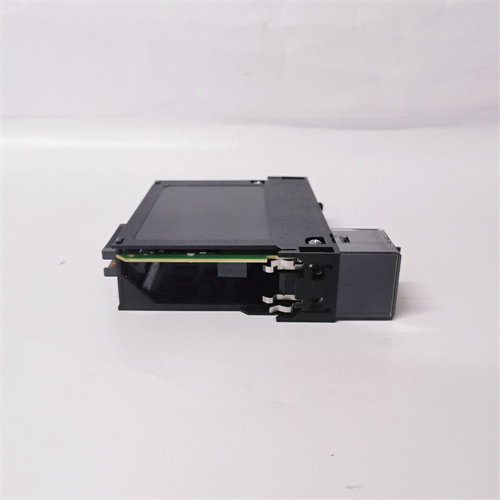
Allen-Bradley 2711P-RN3 Communication Module
Manufacturer:Allen Bradley
Product Number:2711P-RN3
Product Type:Communication Module
Origin:USA
Dimensions:60 × 90 × 25 mm
Weight:0.07 kg
Views:147
Payment Methods:T/T, PayPal, Western Union
Condition:New & In Stock
Warranty:1 Year
Lead Time:1-3 Working Days
Certificate:COO
Courier partners:DHL, UPS, TNT, FedEx and EMS.
Business hours:7*24
Product Description
The Allen-Bradley 2711P-RN3 is a DH-485 communication module designed to add legacy serial network connectivity to PanelView Plus operator terminals. It provides a compact, field-serviceable interface that allows PanelView units to talk to SLC and MicroLogix controllers over the DH-485 serial network, enabling HMI screens, alarms and operator interactions on older automation architectures.
Technical Specifications (Key Parameters — includes size & weight)
| Parameter | Specification |
|---|---|
| Product Type | Communication Module (DH-485 Interface) |
| Model Number | 2711P-RN3 |
| Primary Function | DH-485 serial network interface for PanelView Plus 400/600 |
| Compatible HMI Models | PanelView Plus 400 / PanelView Plus 600 |
| Protocol | DH-485 (serial multidrop) |
| Physical Connection | 9-pin D-sub (or manufacturer terminal block per terminal variant) |
| Baud Rates Supported | Typical DH-485 speeds (configurable) |
| Operating Temperature | 0°C to +55°C |
| Storage Temperature | -40°C to +85°C |
| Relative Humidity | 5% – 95% non-condensing |
| Enclosure Rating | Mounted in HMI — conforms to PanelView enclosure rating (IP20/NEMA Type 1 inside cabinet) |
| Mounting | Plug-in communication slot on PanelView backplane |
| Dimensions (H × W × D) | 60 × 90 × 25 mm (2.36 × 3.54 × 0.98 in) (module only, approximate) |
| Weight | 0.07 kg (0.15 lb) (module only, approximate) |
| Status | Legacy / discontinued in many ranges — plan migration for new projects |
Applications & Typical Use Cases
-
Restoring or maintaining HMI connectivity on legacy DH-485 networks.
-
Retrofitting PanelView Plus terminals into older SLC/MicroLogix based systems.
-
Small-scale plants where Ethernet migration is deferred and serial networks persist.
-
Diagnostic and commissioning tasks that require direct HMI-to-controller serial communication.
Advantages & Field Considerations
-
Simple plug-in installation into PanelView backplane with captive screws.
-
Keeps existing DH-485 infrastructure operational without replacing panels.
-
Minimal footprint and negligible weight — no additional cabinet space required.
-
Familiar configuration flow on PanelView for node address and baud rate.
-
Useful during staged migrations where a gradual transition to Ethernet is planned.
-
Low electrical impact; module draws minimal power from host terminal.
-
Enables legacy alarm, recipe, and operator interaction functionality to remain intact.
-
Because many units are legacy/discontinued, spare planning is recommended.
-
Works best when cable lengths and network topology conform to DH-485 recommendations.
-
Straightforward diagnostic LED indications on the host terminal simplify commissioning.
FAQs
-
Q: What protocol does the 2711P-RN3 support?
A: DH-485 serial multidrop protocol for PanelView communications.
-
Q: Which PanelView models accept this module?
A: PanelView Plus 400 and PanelView Plus 600 series with the appropriate communication slot.
-
Q: Can the module be inserted or removed while the terminal is powered?
A: No — remove power before inserting or removing the module to avoid damage.
-
Q: What cable type and maximum run length should I use?
A: Use shielded DH-485 rated cable and adhere to vendor guidance; long runs or non-compliant cabling can cause errors.
-
Q: How are network addresses and baud rate configured?
A: Configure node address and baud rate through the PanelView communication settings during commissioning.
-
Q: Are there LED indicators on the module?
A: The host terminal provides network status indicators; module status is typically visible via the terminal diagnostics screens.
-
Q: Is this module still supported for new projects?
A: It is a legacy DH-485 module; for new installations, prefer Ethernet/IP solutions. If retained, plan spare inventory.
-
Q: What mounting orientation is required?
A: Install in the designated PanelView communication slot per terminal mounting instructions; maintain recommended ventilation.
-
Q: Will this module interfere with Ethernet communication if both are present?
A: No — protocol stacks are separate; ensure correct port selection and network configuration in the HMI.
-
Q: What troubleshooting steps if communication fails?
A: Verify cable continuity and shield termination, confirm node address and baud rate match controller, check terminal diagnostics for error codes, and test with a short known-good segment.
Need a Custom Automation Solution?
Our team of experts can design and implement a tailored automation system to meet your specific requirements.