
Our Products
Comprehensive industrial automation solutions for global industries
Contact us
If you are interested in our products and want to know more details,please Contact us,we will reply you as soon as we can.
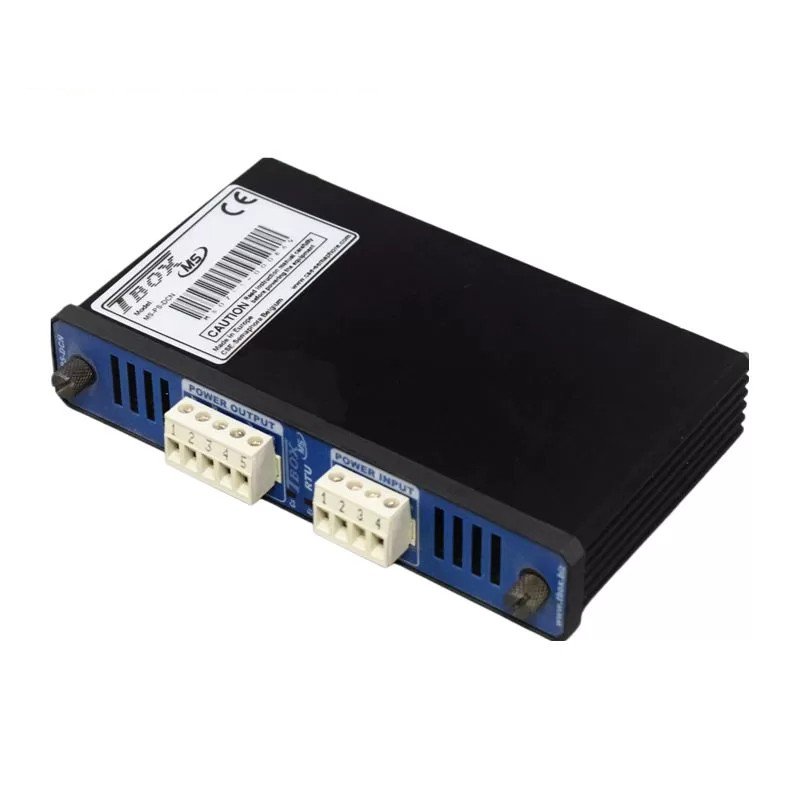
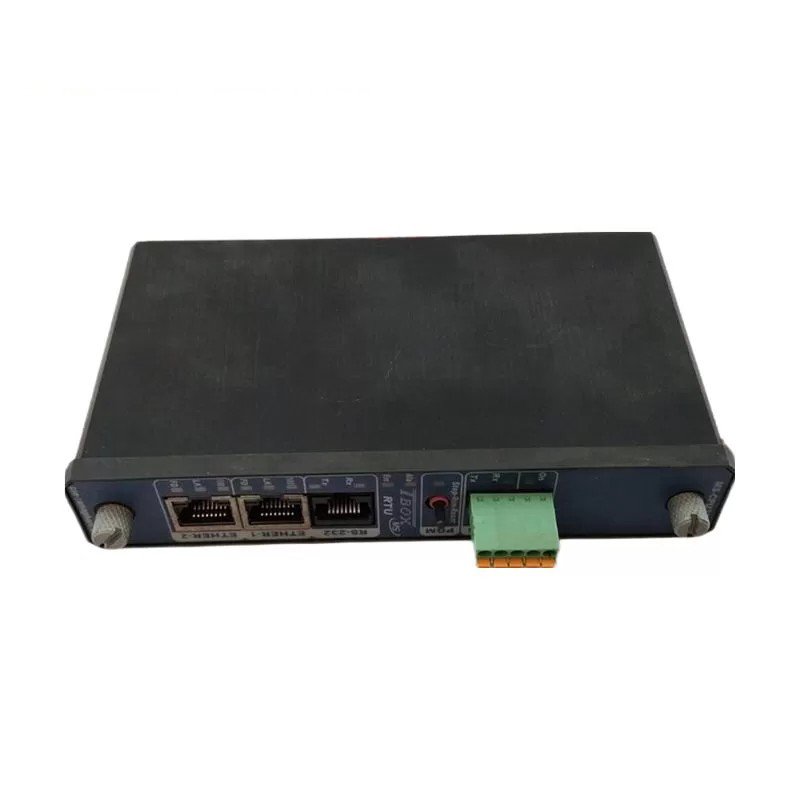
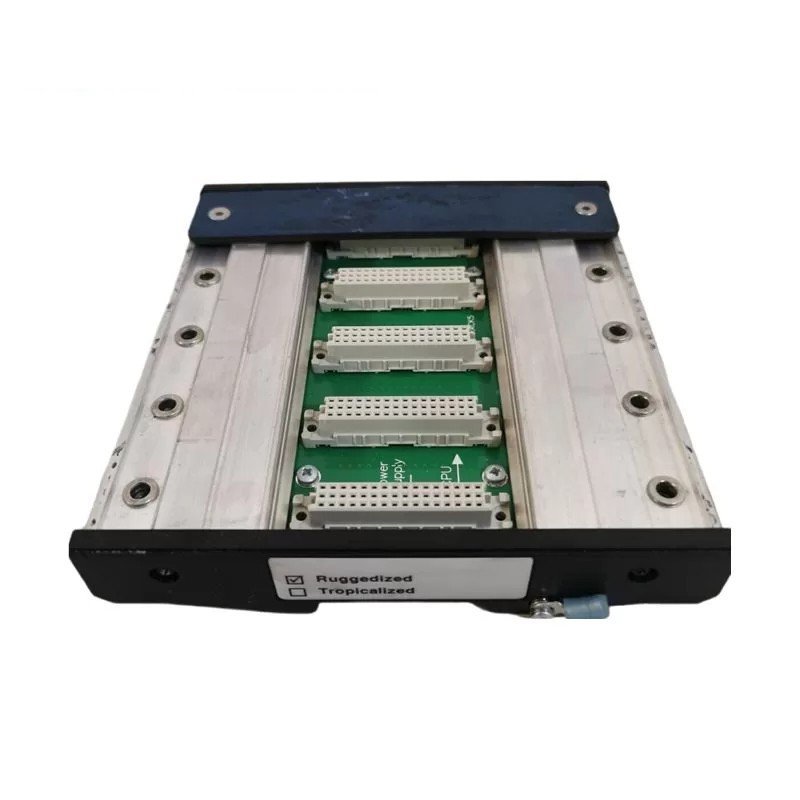
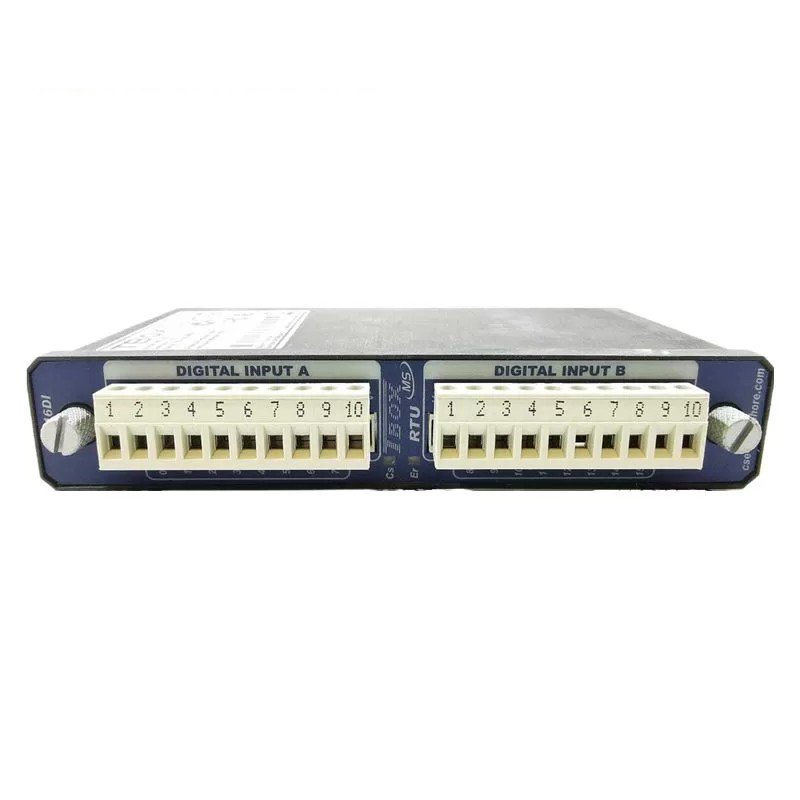
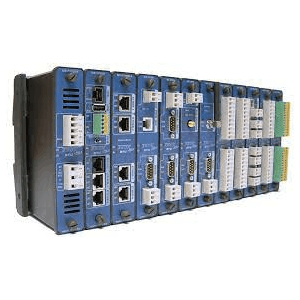
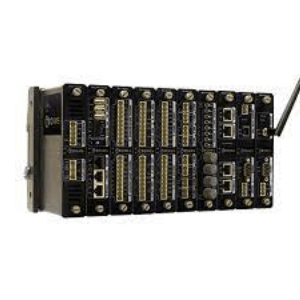
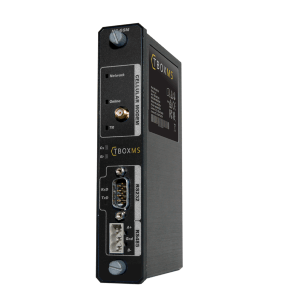
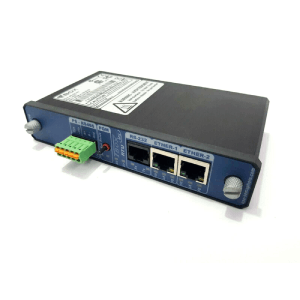
TBOX MS-CPU32: A Powerful and Versatile Industrial Automation Platform
Model: MS-CPU32
Brand: TBOX
Processor: 505 MIPS PowerPC
Memory: 64 MB SDRAM, 1 MB SRAM, 16 MB Flash
I/O: 16 digital inputs, 16 digital outputs, 8 analog inputs, 4 analog outputs
Communication: Modbus TCP, EtherNet/IP, PROFINET
Operating system: Linux
Development tools: TWinSoft, CODESYS
Product Description
The TBOX MS-CPU32 is a powerful and versatile industrial automation platform that is designed to meet the needs of a wide range of applications. It is based on a 505 MIPS PowerPC processor and has a wide range of I/O options, making it a good choice for a variety of industrial applications, such as machine control, process control, and building automation.
Features
The TBOX MS-CPU32 has a number of features that make it a good choice for a variety of industrial applications. These features include:
- A powerful 505 MIPS PowerPC processor
- A wide range of I/O options, including digital inputs, digital outputs, analog inputs, and analog outputs
- Support for a variety of communication protocols, including Modbus TCP, EtherNet/IP, and PROFINET
- A Linux-based operating system
- A wide range of software development tools
Applications
The TBOX MS-CPU32 can be used in a variety of industrial applications, such as:
- Machine control
- Process control
- Building automation
- Data acquisition
- Test and measurement
Benefits
The TBOX MS-CPU32 offers a number of benefits to users, including:
- Powerful performance
- Wide range of I/O options
- Support for a variety of communication protocols
- Linux-based operating system
- Wide range of software development tools
Conclusion
The TBOX MS-CPU32 is a powerful and versatile industrial automation platform that is designed to meet the needs of a wide range of applications. It offers a number of benefits to users, including powerful performance, a wide range of I/O options, support for a variety of communication protocols, a Linux-based operating system, and a wide range of software development tools.
FAQs
Q: What is the TBOX MS-CPU32?
A: The TBOX MS-CPU32 is a powerful and versatile industrial automation platform that is designed to meet the needs of a wide range of applications.
Q: What are the features of the TBOX MS-CPU32?
A: The TBOX MS-CPU32 has a number of features that make it a good choice for a variety of industrial applications. These features include:
- A powerful 505 MIPS PowerPC processor
- A wide range of I/O options, including digital inputs, digital outputs, analog inputs, and analog outputs
- Support for a variety of communication protocols, including Modbus TCP, EtherNet/IP, and PROFINET
- A Linux-based operating system
- A wide range of software development tools
Q: What are the applications of the TBOX MS-CPU32?
A: The TBOX MS-CPU32 can be used in a variety of industrial applications, such as:
- Machine control
- Process control
- Building automation
- Data acquisition
- Test and measurement
Q: Where can I buy the TBOX MS-CPU32?
A: The TBOX MS-CPU32 is available from a variety of distributors. You can find a list of distributors on the TBOX website.
Q: What is the warranty for the TBOX MS-CPU32?
A: The TBOX MS-CPU32 is backed by a three-year warranty.
Q: How do I install the TBOX MS-CPU32?
A: To install the TBOX MS-CPU32, follow these steps:
- Mount the TBOX MS-CPU32 in a cabinet or rack.
- Connect the TBOX MS-CPU32 to power and ground.
- Connect the TBOX MS-CPU32 to the PLC using the provided cables.
- Configure the TBOX MS-CPU32 using the PLC’s software.
Q: How do I use the TBOX MS-CPU32?
A: To use the TBOX MS-CPU32, follow these steps:
- Configure the TBOX MS-CPU32 using the PLC’s software.
- Write a program that uses the TBOX MS-CPU32 to control devices.
- Upload the program to the PLC.
- Start the PLC.
Q: What are some common problems with the TBOX MS-CPU32?
A: Some common problems with the TBOX MS-CPU32 include:
- The TBOX MS-CPU32 does not power on.
- The TBOX MS-CPU32 does not communicate with the PLC.
- The TBOX MS-CPU32’s I/O ports are not working properly.
 Loading comments...
TBOX MS-CPU32: A Powerful and Versatile Industrial Automation Platform
Model: MS-CPU32
Brand: TBOX
Processor: 505 MIPS PowerPC
Memory: 64 MB SDRAM, 1 MB SRAM, 16 MB Flash
I/O: 16 digital inputs, 16 digital outputs, 8 analog inputs, 4 analog outputs
Communication: Modbus TCP, EtherNet/IP, PROFINET
Operating system: Linux
Development tools: TWinSoft, CODESYS
Product Description
The TBOX MS-CPU32 is a powerful and versatile industrial automation platform that is designed to meet the needs of a wide range of applications. It is based on a 505 MIPS PowerPC processor and has a wide range of I/O options, making it a good choice for a variety of industrial applications, such as machine control, process control, and building automation.
Features
The TBOX MS-CPU32 has a number of features that make it a good choice for a variety of industrial applications. These features include:
- A powerful 505 MIPS PowerPC processor
- A wide range of I/O options, including digital inputs, digital outputs, analog inputs, and analog outputs
- Support for a variety of communication protocols, including Modbus TCP, EtherNet/IP, and PROFINET
- A Linux-based operating system
- A wide range of software development tools
Applications
The TBOX MS-CPU32 can be used in a variety of industrial applications, such as:
- Machine control
- Process control
- Building automation
- Data acquisition
- Test and measurement
Benefits
The TBOX MS-CPU32 offers a number of benefits to users, including:
- Powerful performance
- Wide range of I/O options
- Support for a variety of communication protocols
- Linux-based operating system
- Wide range of software development tools
Conclusion
The TBOX MS-CPU32 is a powerful and versatile industrial automation platform that is designed to meet the needs of a wide range of applications. It offers a number of benefits to users, including powerful performance, a wide range of I/O options, support for a variety of communication protocols, a Linux-based operating system, and a wide range of software development tools.
FAQs
Q: What is the TBOX MS-CPU32?
A: The TBOX MS-CPU32 is a powerful and versatile industrial automation platform that is designed to meet the needs of a wide range of applications.
Q: What are the features of the TBOX MS-CPU32?
A: The TBOX MS-CPU32 has a number of features that make it a good choice for a variety of industrial applications. These features include:
- A powerful 505 MIPS PowerPC processor
- A wide range of I/O options, including digital inputs, digital outputs, analog inputs, and analog outputs
- Support for a variety of communication protocols, including Modbus TCP, EtherNet/IP, and PROFINET
- A Linux-based operating system
- A wide range of software development tools
Q: What are the applications of the TBOX MS-CPU32?
A: The TBOX MS-CPU32 can be used in a variety of industrial applications, such as:
- Machine control
- Process control
- Building automation
- Data acquisition
- Test and measurement
Q: Where can I buy the TBOX MS-CPU32?
A: The TBOX MS-CPU32 is available from a variety of distributors. You can find a list of distributors on the TBOX website.
Q: What is the warranty for the TBOX MS-CPU32?
A: The TBOX MS-CPU32 is backed by a three-year warranty.
Q: How do I install the TBOX MS-CPU32?
A: To install the TBOX MS-CPU32, follow these steps:
- Mount the TBOX MS-CPU32 in a cabinet or rack.
- Connect the TBOX MS-CPU32 to power and ground.
- Connect the TBOX MS-CPU32 to the PLC using the provided cables.
- Configure the TBOX MS-CPU32 using the PLC’s software.
Q: How do I use the TBOX MS-CPU32?
A: To use the TBOX MS-CPU32, follow these steps:
- Configure the TBOX MS-CPU32 using the PLC’s software.
- Write a program that uses the TBOX MS-CPU32 to control devices.
- Upload the program to the PLC.
- Start the PLC.
Q: What are some common problems with the TBOX MS-CPU32?
A: Some common problems with the TBOX MS-CPU32 include:
- The TBOX MS-CPU32 does not power on.
- The TBOX MS-CPU32 does not communicate with the PLC.
- The TBOX MS-CPU32’s I/O ports are not working properly.
Need a Custom Automation Solution?
Our team of experts can design and implement a tailored automation system to meet your specific requirements.