
Our Products
Comprehensive industrial automation solutions for global industries
Contact us
If you are interested in our products and want to know more details,please Contact us,we will reply you as soon as we can.
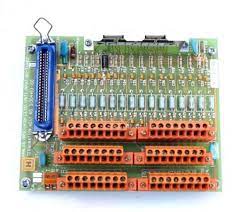
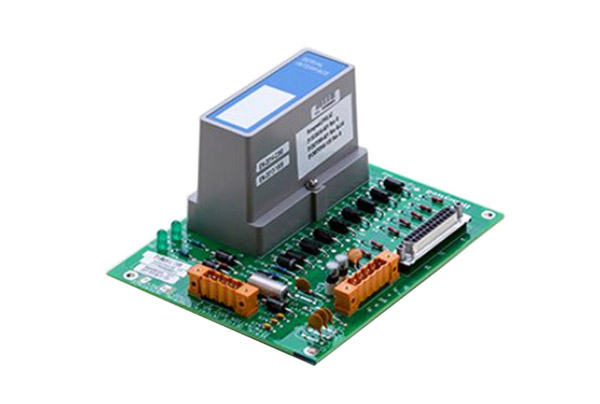
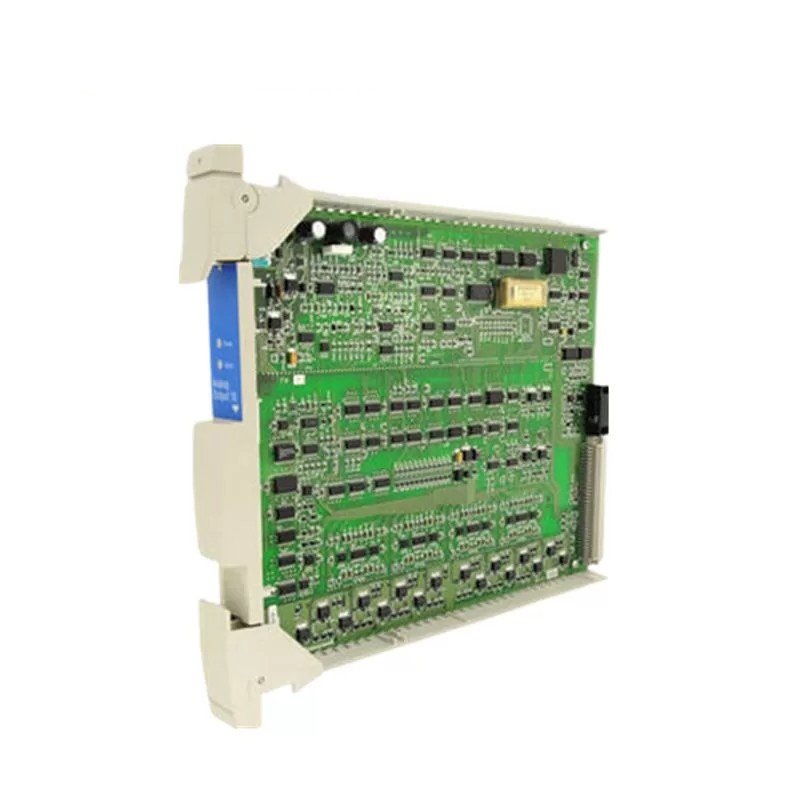
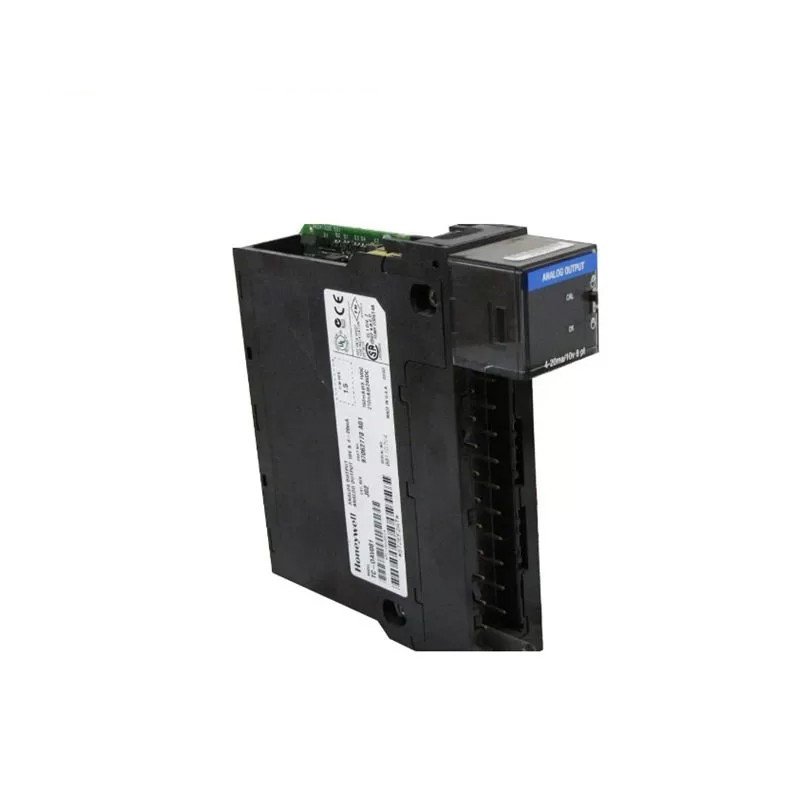
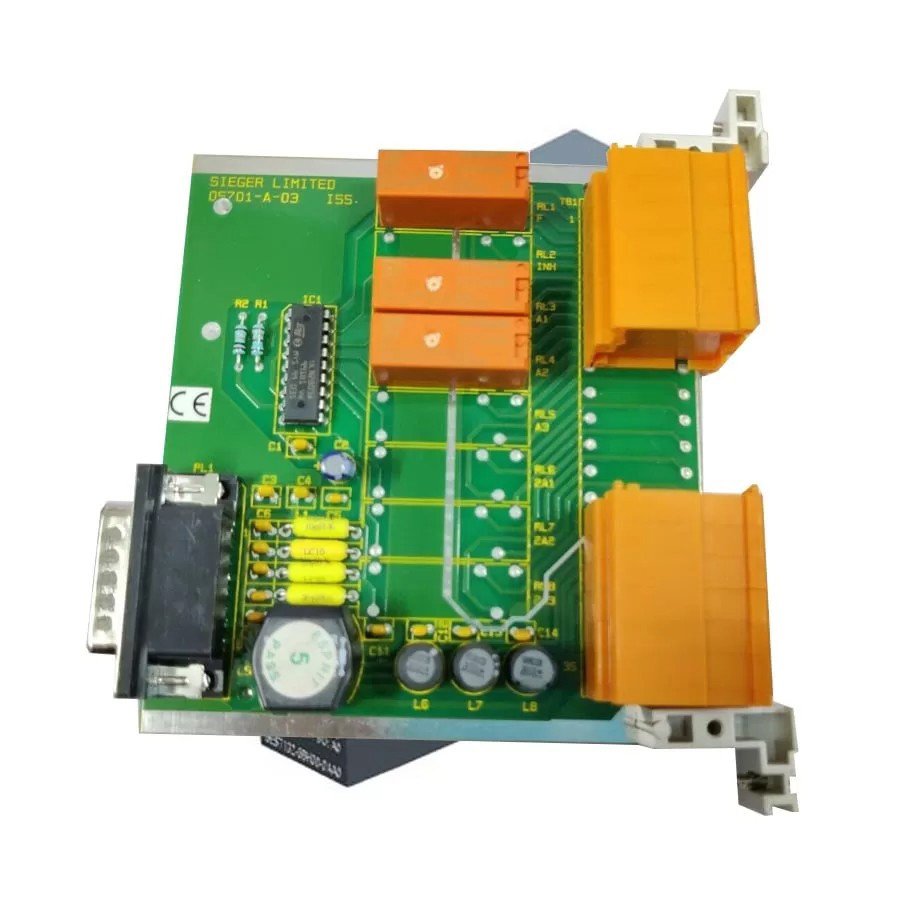
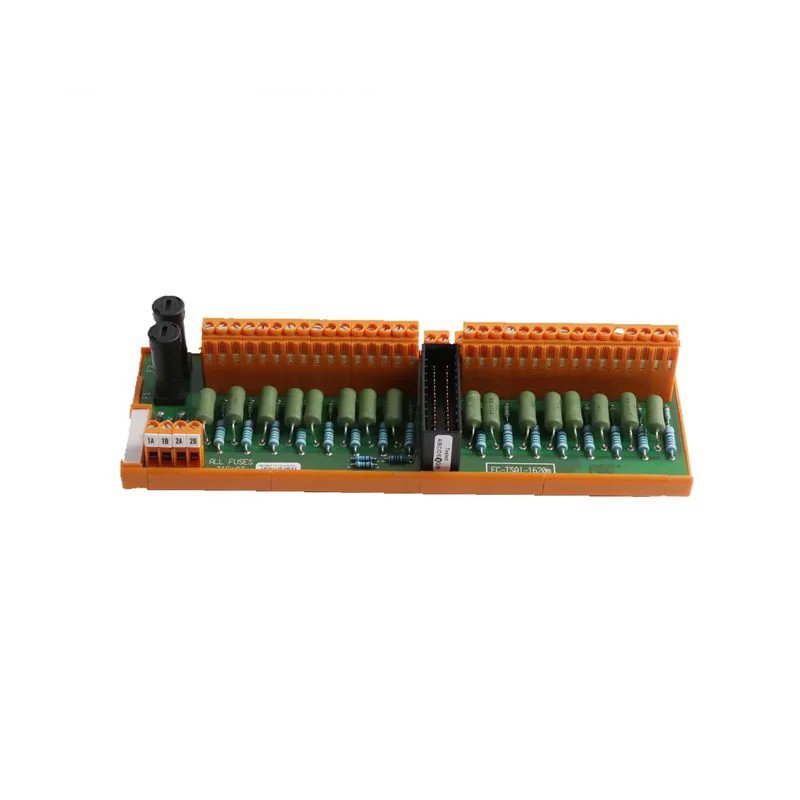
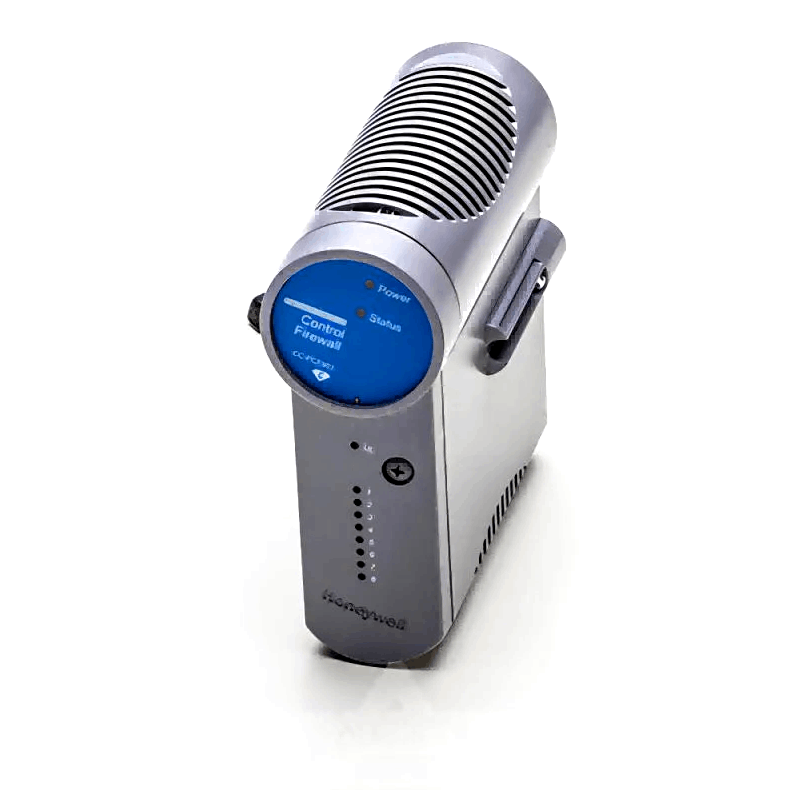
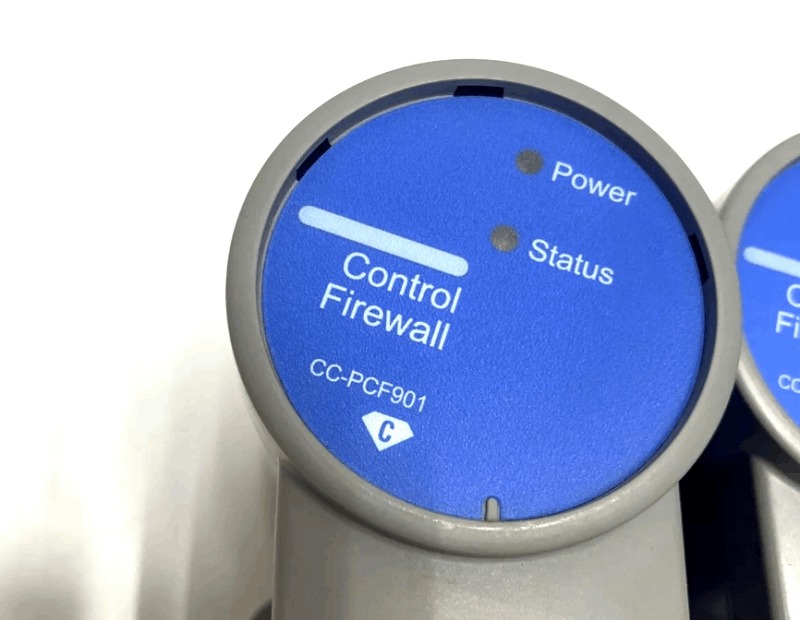
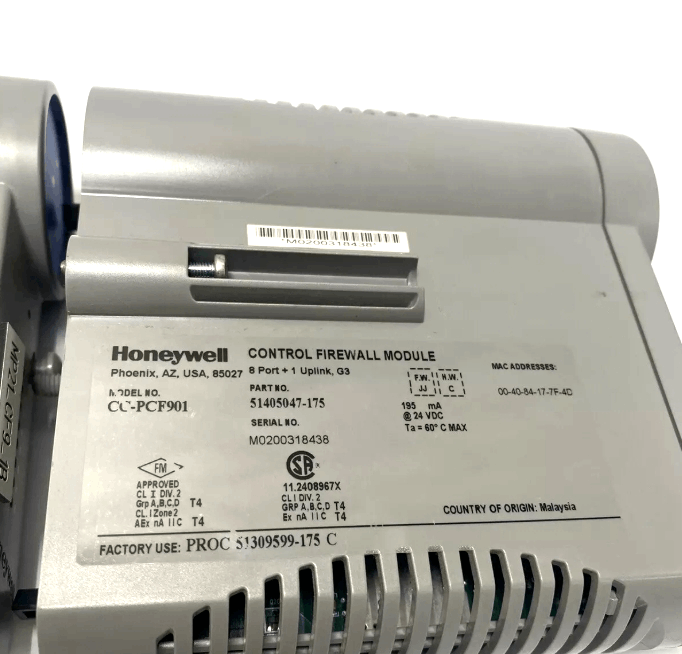
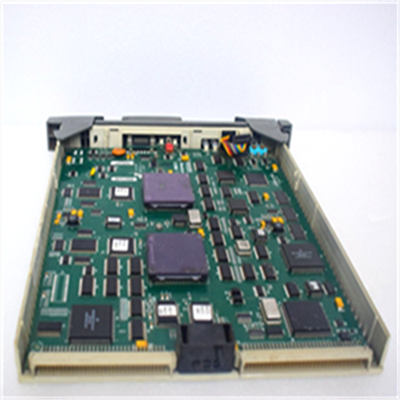
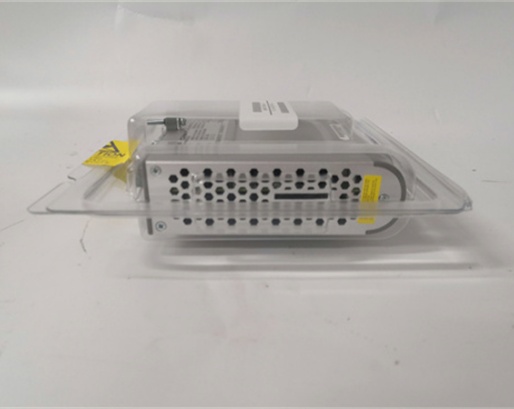
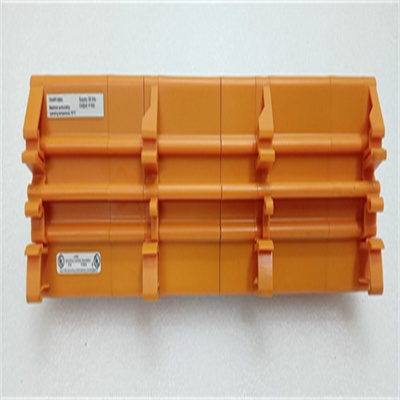
Honeywell CC-PCF901 Control Firewall Module
Item Number:CC-PCF901
Brand:Honeywell
Lead Time: In stock
Description:Control Firewall Module
Payment: T/T
Product Description
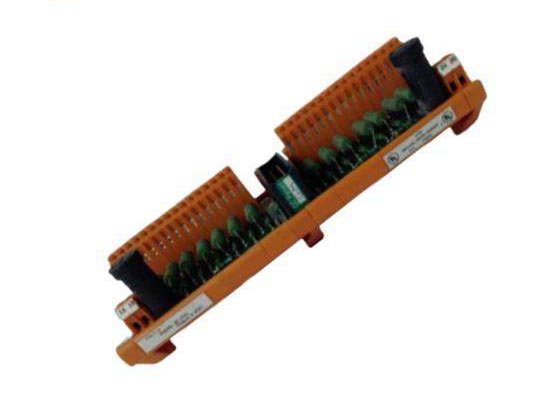
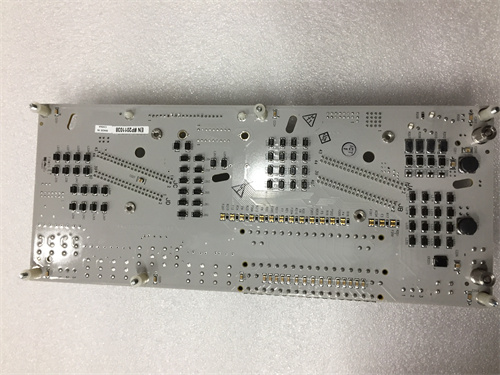
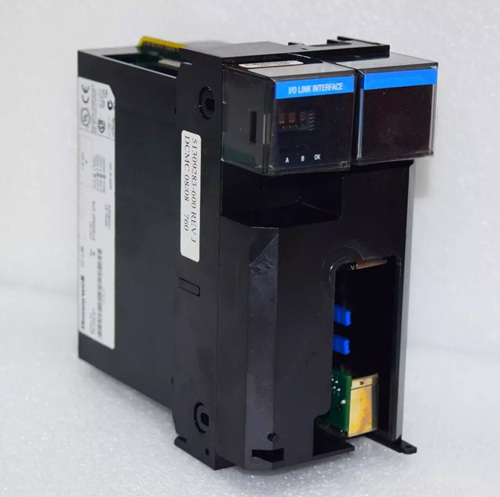
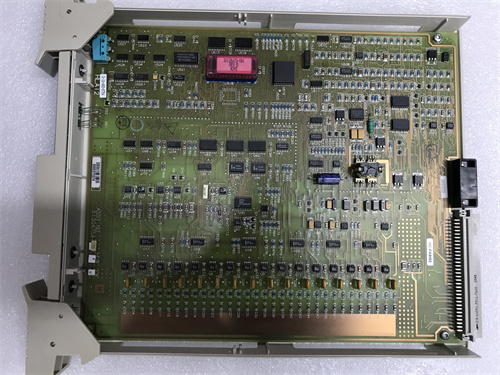
Honeywell CC-PCF901 Control Firewall Module is a component used to provide FTE (Fast Ethernet) interface for C Series control systems. CC-PCF901 module needs to work with other supporting components to build a secure network connection architecture through hardware-level isolation protection.
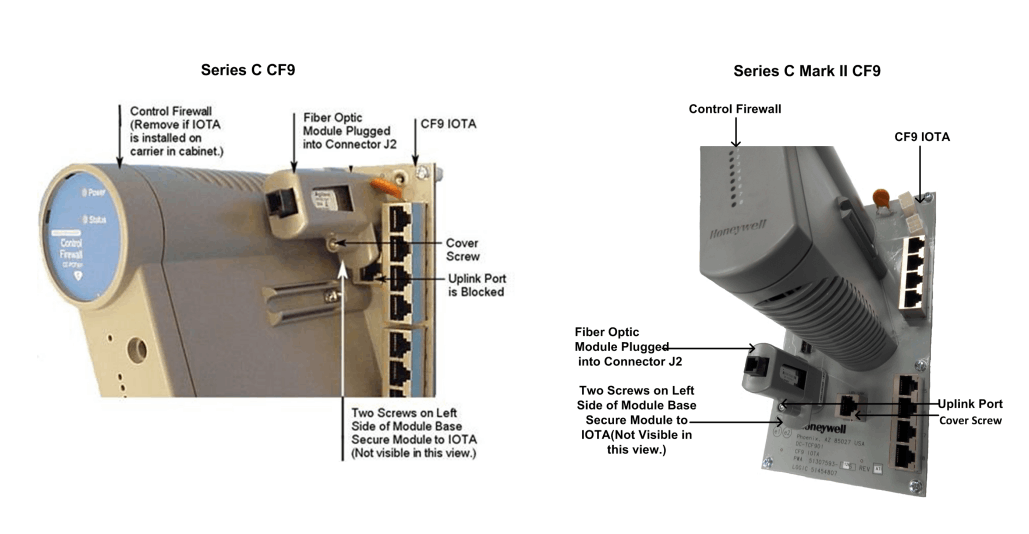
CC-PCF901 is installed on the CF9 input/output terminal assembly (IOTA), which can realize the efficient distribution of FTE cables and provide FTE connection for network nodes in the cabinet (such as C300 controllers and C Series modules). Supports connection with C300 controllers, FTE switches, and expansion of multiple controllers through Horizontal 9 Port IOTA (CCHCN911).
Features
Network security isolation:
FTE network interface: supports fault-tolerant Ethernet communication
Hardware-level firewall: isolates the control layer and monitoring layer networks to prevent unauthorized access
Redundant configuration: redundant firewalls can be deployed to improve system security
Environmental adaptability:
CC/DC prefix models: circuit boards with protective coating (moisture/corrosion protection)
CU prefix models: standard uncoated version
Matching use:
Quick deployment through dedicated terminal components (CCTCF901/DCTCF901)
Series C standard cabinet: CCTCF901 IOTA
Series C Mark II cabinet: DCTCF901 IOTA
Installation Procedure
|
Step |
Action |
Important Notes |
|
1 |
If CF9 IOTA is mounted on a cabinet carrier: - Loosen the screws securing the Control Firewall Module to IOTA - Remove the module from IOTA to power down J2 connector |
Do NOT remove the gray long plastic screw on the module front panel |
|
2 |
Carefully align the pins at the bottom of the fiber optic module with J2 connector sockets on IOTA - Gently push the module downward until fully seated |
Ensure proper alignment before applying pressure |
|
3 |
Connect appropriate fiber optic cable to: - LC or MTRJ connector provided with fiber module |
Verify cable type matches port specifications |
|
4 |
Insert cable plug into fiber optic module port |
Ensure positive "click" engagement |
FAQs
Q: What is the brand?
A: honeywell
Q: What is the type?
A: Control Firewall Module
Q: What is the warranty period?
A: 1 year.
Q: What is the product condition?
A: New.
Q: Where is the shipping location?
A: Xiamen.
Q: What is the payment method?
Answer: T/T (Telegraphic Transfer).
 Loading comments...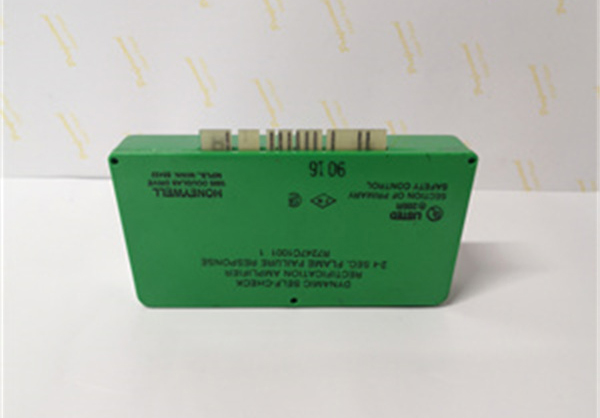
Honeywell CC-PCF901 Control Firewall Module
Item Number:CC-PCF901
Brand:Honeywell
Lead Time: In stock
Description:Control Firewall Module
Payment: T/T
Product Description
Honeywell CC-PCF901 Control Firewall Module is a component used to provide FTE (Fast Ethernet) interface for C Series control systems. CC-PCF901 module needs to work with other supporting components to build a secure network connection architecture through hardware-level isolation protection.
CC-PCF901 is installed on the CF9 input/output terminal assembly (IOTA), which can realize the efficient distribution of FTE cables and provide FTE connection for network nodes in the cabinet (such as C300 controllers and C Series modules). Supports connection with C300 controllers, FTE switches, and expansion of multiple controllers through Horizontal 9 Port IOTA (CCHCN911).
Features
Network security isolation:
FTE network interface: supports fault-tolerant Ethernet communication
Hardware-level firewall: isolates the control layer and monitoring layer networks to prevent unauthorized access
Redundant configuration: redundant firewalls can be deployed to improve system security
Environmental adaptability:
CC/DC prefix models: circuit boards with protective coating (moisture/corrosion protection)
CU prefix models: standard uncoated version
Matching use:
Quick deployment through dedicated terminal components (CCTCF901/DCTCF901)
Series C standard cabinet: CCTCF901 IOTA
Series C Mark II cabinet: DCTCF901 IOTA
Installation Procedure
|
Step |
Action |
Important Notes |
|
1 |
If CF9 IOTA is mounted on a cabinet carrier: - Loosen the screws securing the Control Firewall Module to IOTA - Remove the module from IOTA to power down J2 connector |
Do NOT remove the gray long plastic screw on the module front panel |
|
2 |
Carefully align the pins at the bottom of the fiber optic module with J2 connector sockets on IOTA - Gently push the module downward until fully seated |
Ensure proper alignment before applying pressure |
|
3 |
Connect appropriate fiber optic cable to: - LC or MTRJ connector provided with fiber module |
Verify cable type matches port specifications |
|
4 |
Insert cable plug into fiber optic module port |
Ensure positive "click" engagement |
FAQs
Q: What is the brand?
A: honeywell
Q: What is the type?
A: Control Firewall Module
Q: What is the warranty period?
A: 1 year.
Q: What is the product condition?
A: New.
Q: Where is the shipping location?
A: Xiamen.
Q: What is the payment method?
Answer: T/T (Telegraphic Transfer).
Need a Custom Automation Solution?
Our team of experts can design and implement a tailored automation system to meet your specific requirements.