
Our Products
Comprehensive industrial automation solutions for global industries
Contact us
If you are interested in our products and want to know more details,please Contact us,we will reply you as soon as we can.
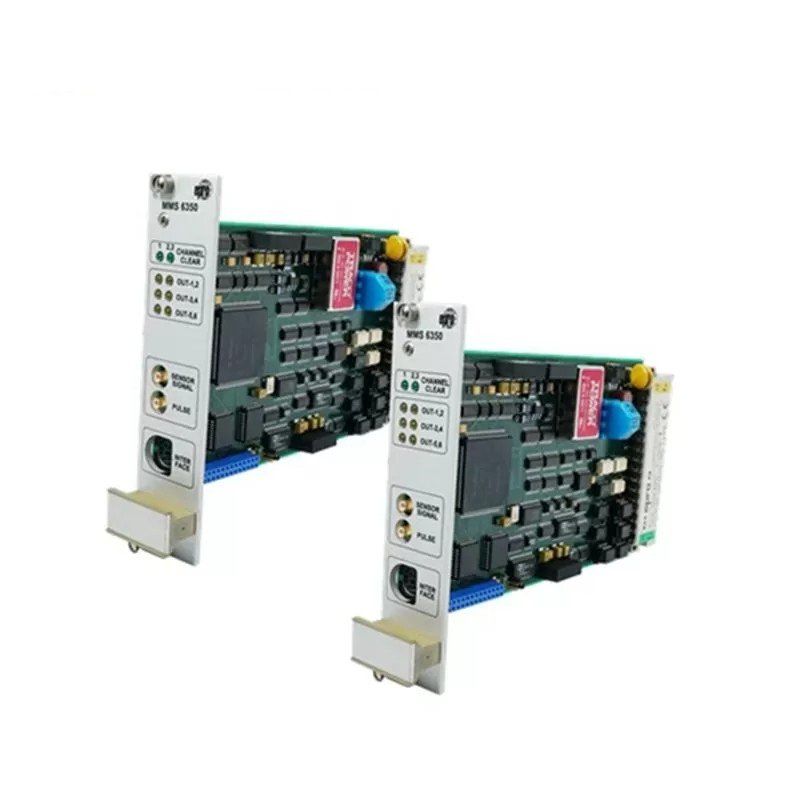
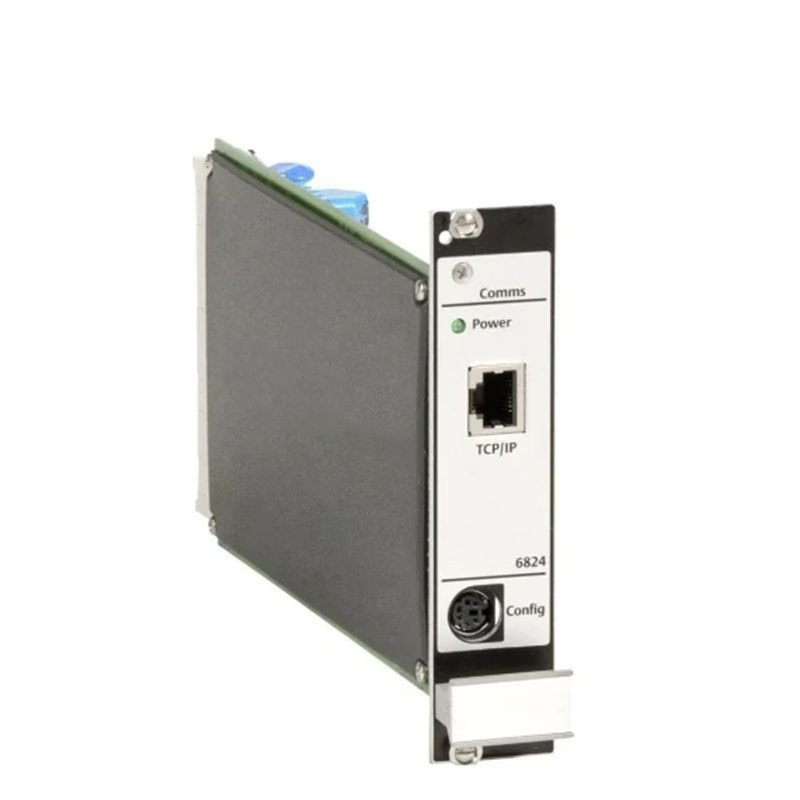
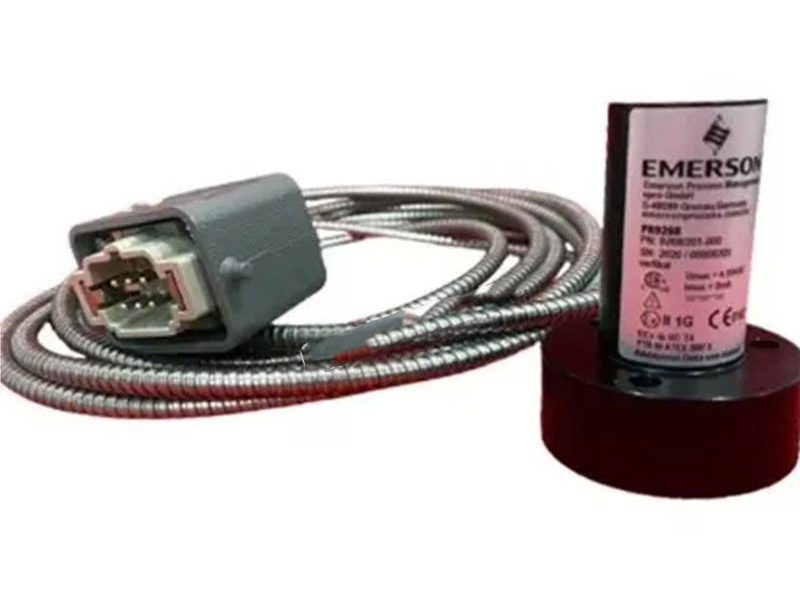
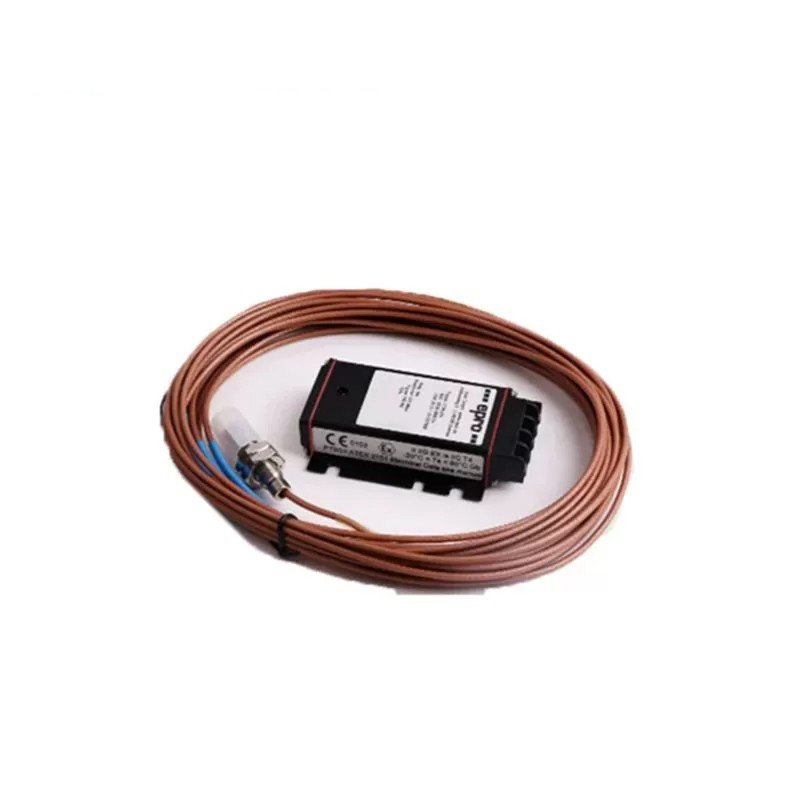
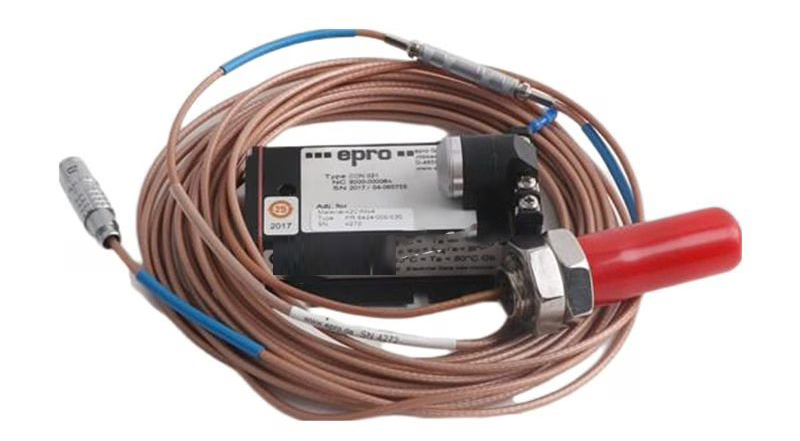
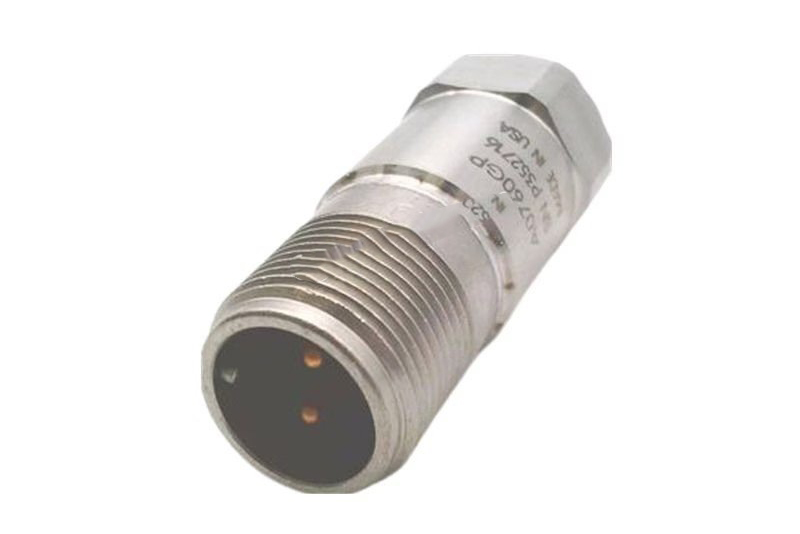
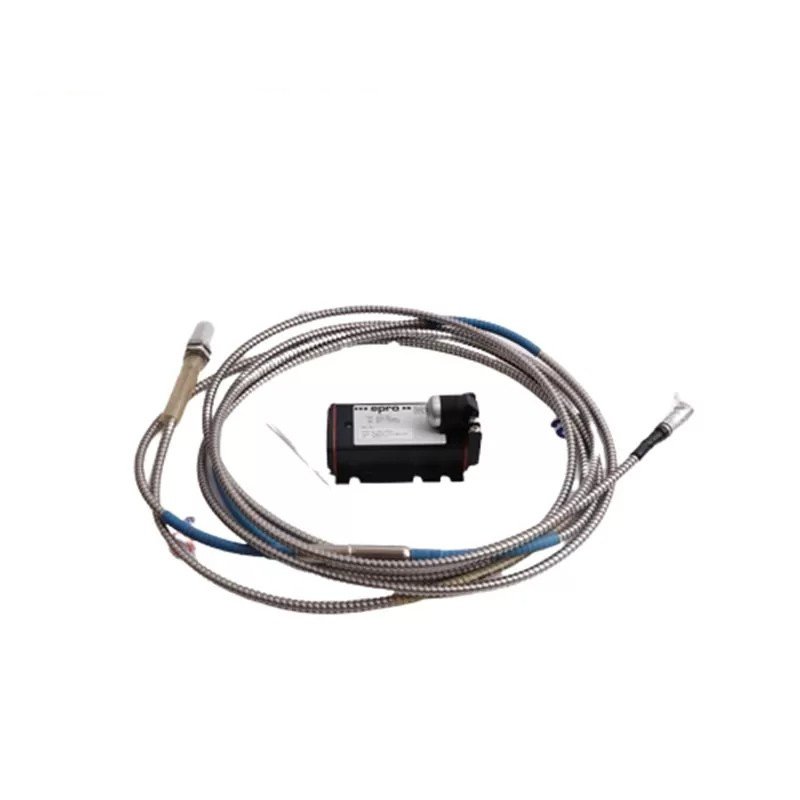
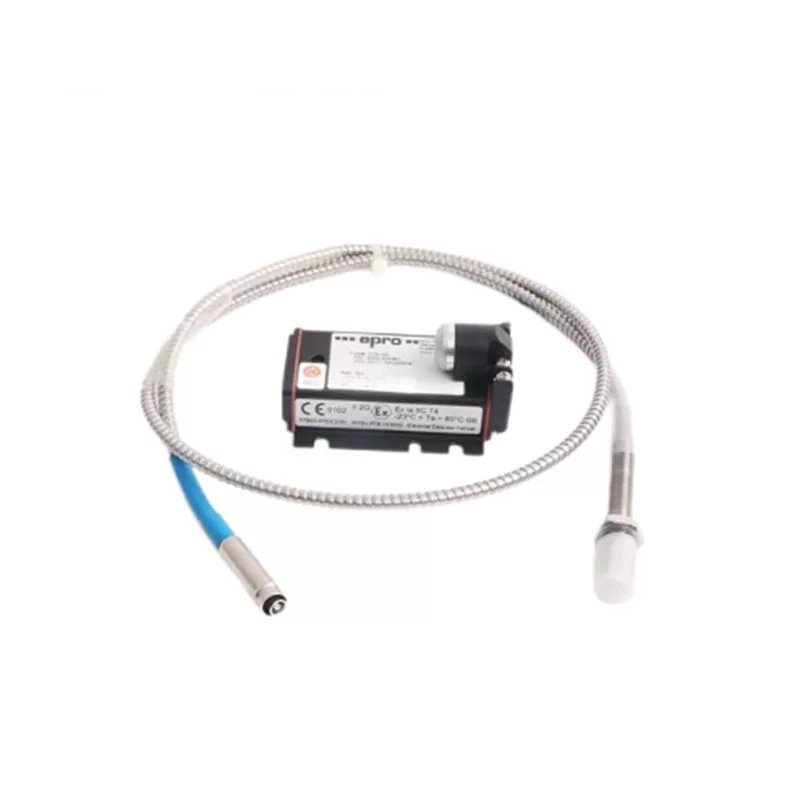
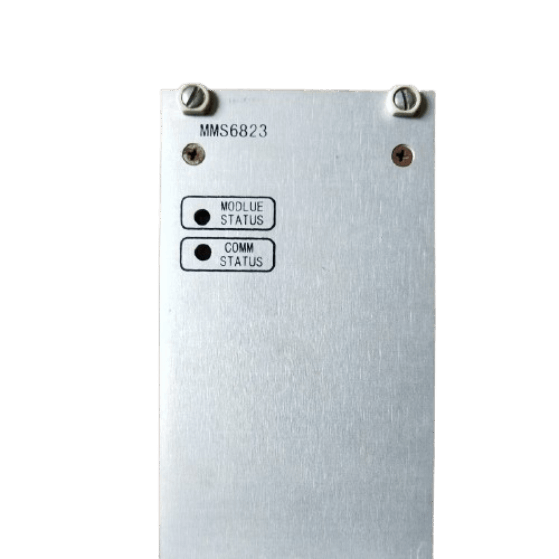
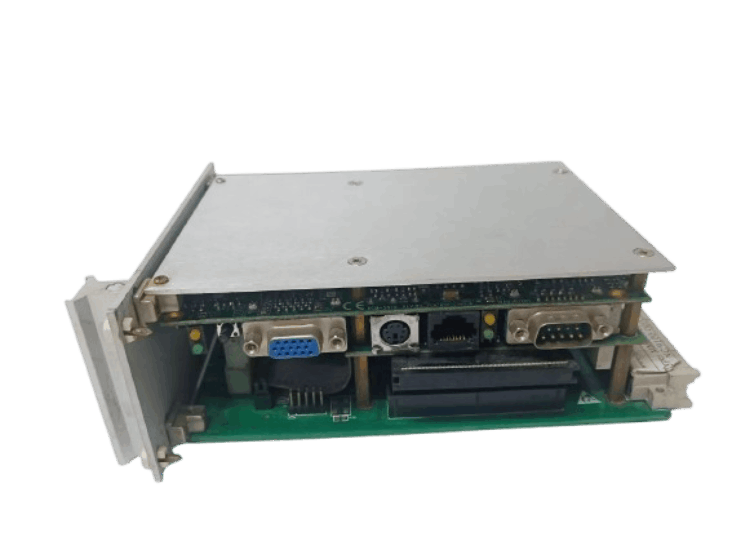
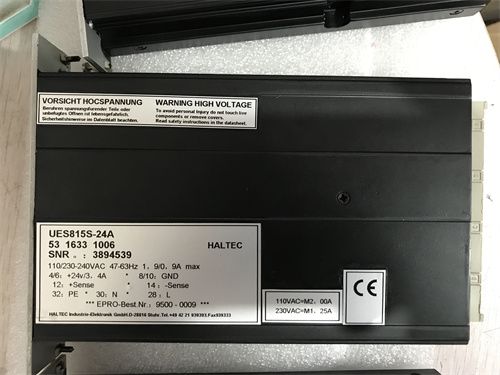
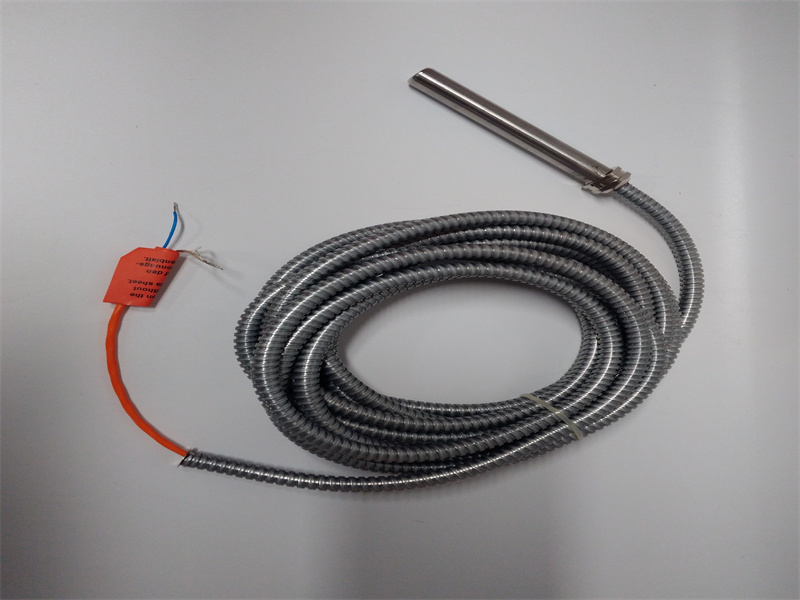
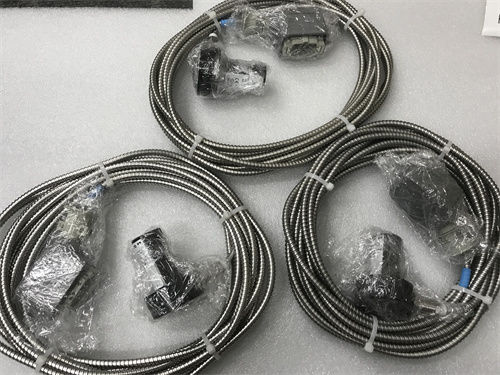
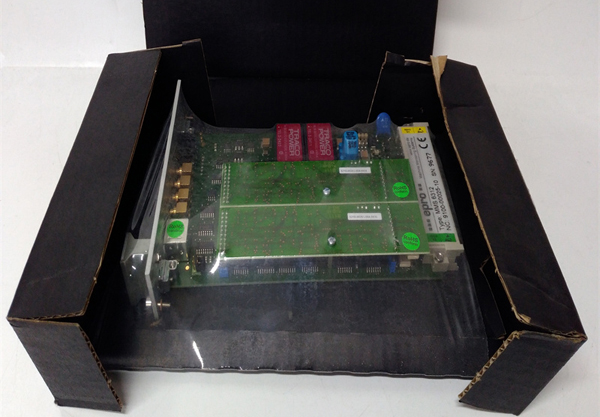
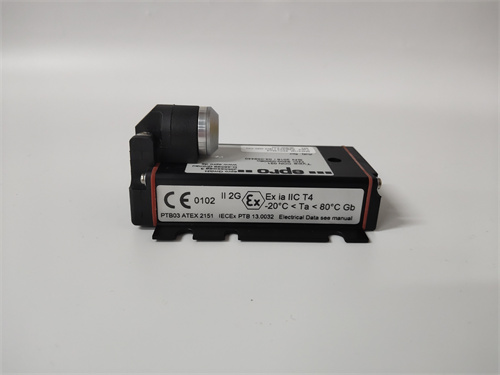
Epro MMS6823 Data Acquisition Module
Item Number: MMS6823
Brand: EPRO
Lead Time: In stock
Description:Data Acquisition Module
Payment: T/T
Product Description
The EPRO MMS6823 Data Acquisition Module is a supporting product of the MMS6000 turbine generator vibration monitoring and protection system, produced by the German company EPRO. It communicates with TSI (MMS6000 series) modules via RS485 for data acquisition and related configurations.
Note:When using Emerson's new framework, the 6830 should be selected to replace the 6823 as the communication module. The 6830 has identical functionality to the 6823 and the 48-pin terminal definitions are exactly the same. The 6830 module is a 2U, 19-inch rack-mounted unit installed within the TSI cabinet.
Fuctions & Features
Physical connection: MMS6823 connects to MMS6000 series modules through 12 RS485 communication ports (ports 2 to 13), and each port supports up to 12 modules.
MMS6823 data type:
- Dynamic signal: vibration waveform (acceleration/velocity/displacement) from bearing vibration and shaft vibration modules.
- Static signal: slowly changing parameters such as shaft displacement, eccentricity, differential expansion, etc. (DC signal).
- Speed and key phase: frequency signal taken from the speed module, used for phase analysis and frequency multiplication tracking.
Maintenance and troubleshooting
- Daily maintenance
Check whether the 48-pin terminal wiring is loose (especially the power supply and RS485 signal line) to avoid communication interruption caused by poor contact.
Power light off: Check the power supply circuit or terminal wiring.
Communication light flashes abnormally: It may be RS485 bus conflict or module address duplication.
2.Troubleshooting
|
Fault Phenomenon |
Possible Causes |
Solutions |
|
No vibration data acquisition |
RS485 communication interruption |
Test bus voltage, replace communication cables, or check terminal resistors |
|
Remote desktop connection failure |
IP address conflict or firewall block |
Reconfigure IP address or unblock TCP port (e.g., 3389) |
|
Abnormal fluctuations in sampled data |
Loss of synchronization signal or poor grounding |
Inspect key phase signal connections and optimize grounding system |
|
Incorrect Modbus data reading |
Incorrect register address mapping |
Verify the configuration in daq6823a.xml file |
 Loading comments...
Epro MMS6823 Data Acquisition Module
Item Number: MMS6823
Brand: EPRO
Lead Time: In stock
Description:Data Acquisition Module
Payment: T/T
Product Description
The EPRO MMS6823 Data Acquisition Module is a supporting product of the MMS6000 turbine generator vibration monitoring and protection system, produced by the German company EPRO. It communicates with TSI (MMS6000 series) modules via RS485 for data acquisition and related configurations.
Note:When using Emerson's new framework, the 6830 should be selected to replace the 6823 as the communication module. The 6830 has identical functionality to the 6823 and the 48-pin terminal definitions are exactly the same. The 6830 module is a 2U, 19-inch rack-mounted unit installed within the TSI cabinet.
Fuctions & Features
Physical connection: MMS6823 connects to MMS6000 series modules through 12 RS485 communication ports (ports 2 to 13), and each port supports up to 12 modules.
MMS6823 data type:
- Dynamic signal: vibration waveform (acceleration/velocity/displacement) from bearing vibration and shaft vibration modules.
- Static signal: slowly changing parameters such as shaft displacement, eccentricity, differential expansion, etc. (DC signal).
- Speed and key phase: frequency signal taken from the speed module, used for phase analysis and frequency multiplication tracking.
Maintenance and troubleshooting
- Daily maintenance
Check whether the 48-pin terminal wiring is loose (especially the power supply and RS485 signal line) to avoid communication interruption caused by poor contact.
Power light off: Check the power supply circuit or terminal wiring.
Communication light flashes abnormally: It may be RS485 bus conflict or module address duplication.
2.Troubleshooting
|
Fault Phenomenon |
Possible Causes |
Solutions |
|
No vibration data acquisition |
RS485 communication interruption |
Test bus voltage, replace communication cables, or check terminal resistors |
|
Remote desktop connection failure |
IP address conflict or firewall block |
Reconfigure IP address or unblock TCP port (e.g., 3389) |
|
Abnormal fluctuations in sampled data |
Loss of synchronization signal or poor grounding |
Inspect key phase signal connections and optimize grounding system |
|
Incorrect Modbus data reading |
Incorrect register address mapping |
Verify the configuration in daq6823a.xml file |
Need a Custom Automation Solution?
Our team of experts can design and implement a tailored automation system to meet your specific requirements.