
Our Products
Comprehensive industrial automation solutions for global industries
Contact us
If you are interested in our products and want to know more details,please Contact us,we will reply you as soon as we can.
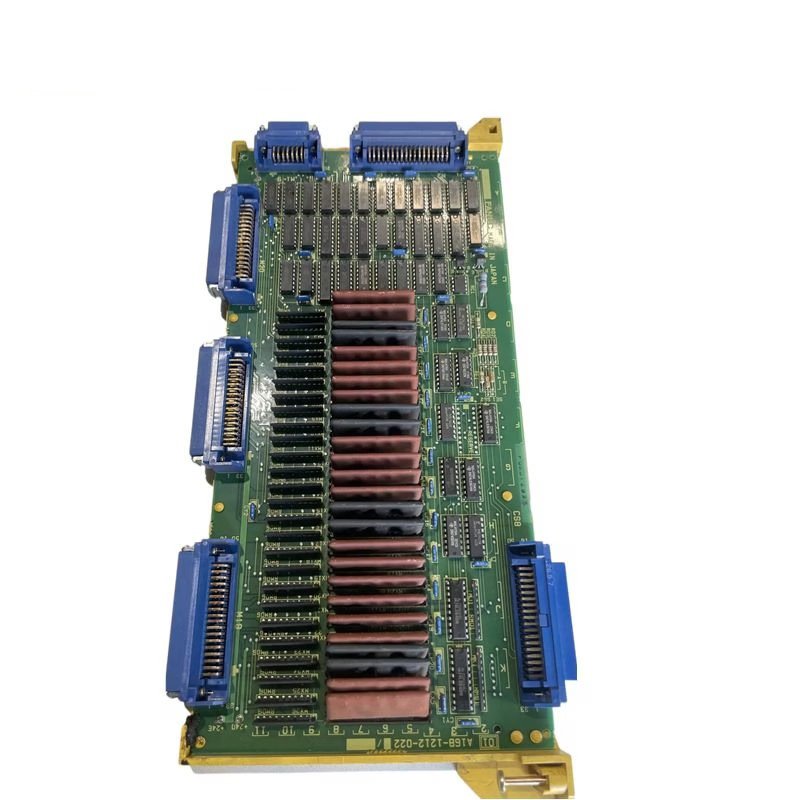
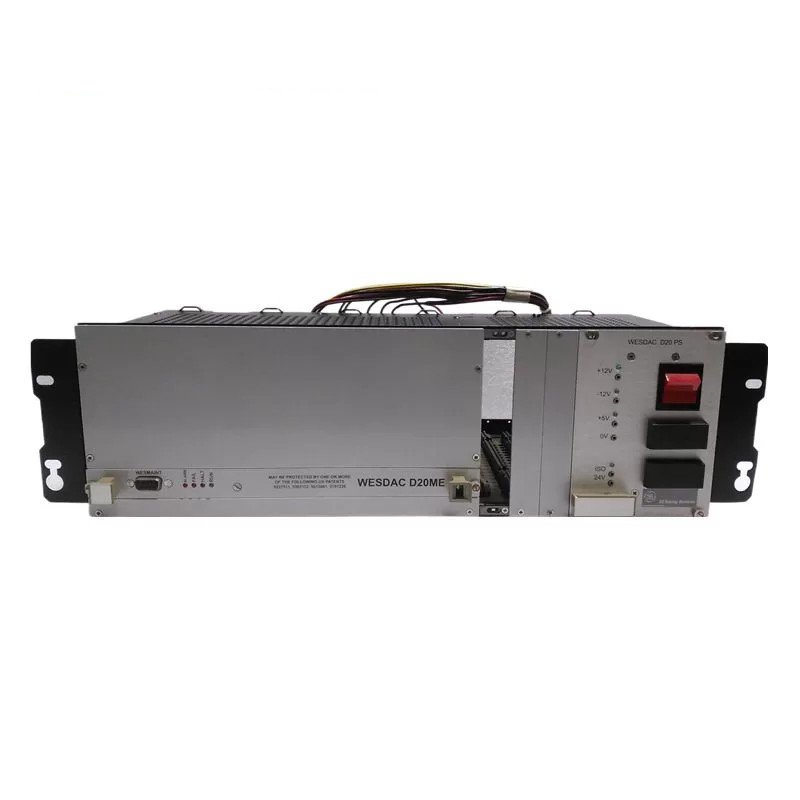
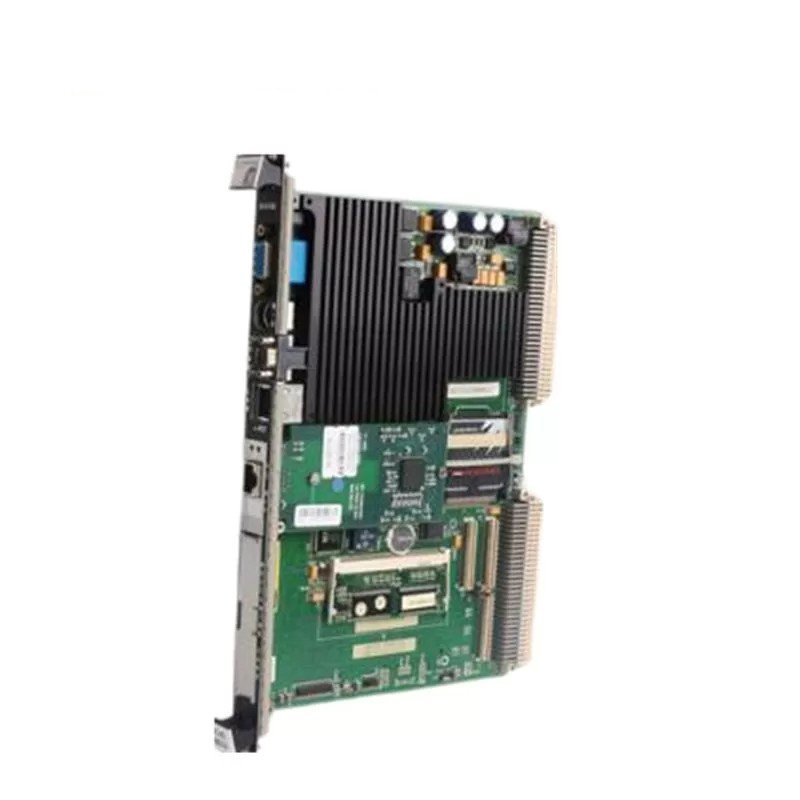
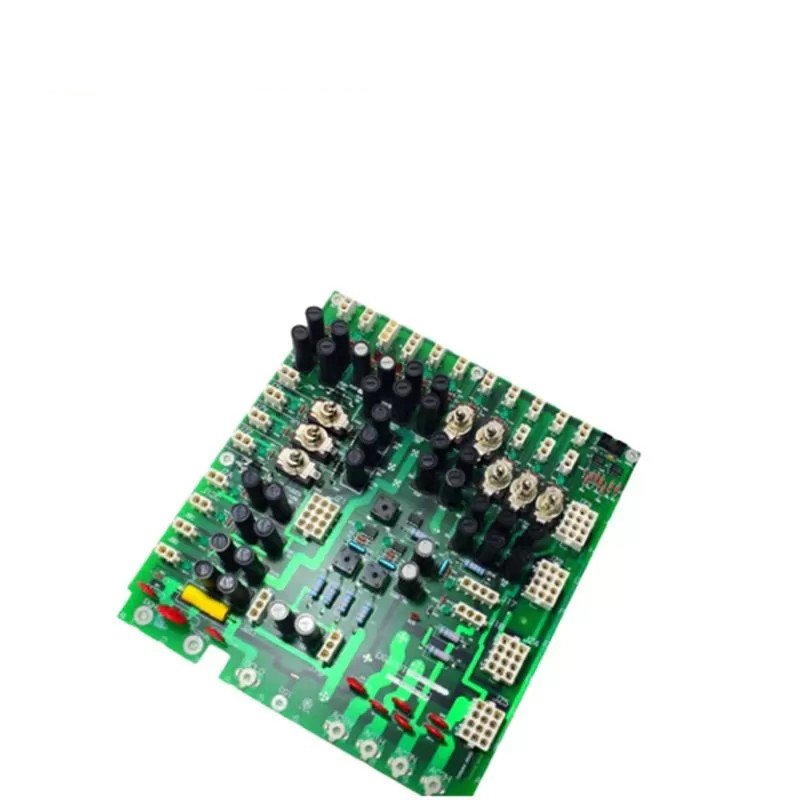
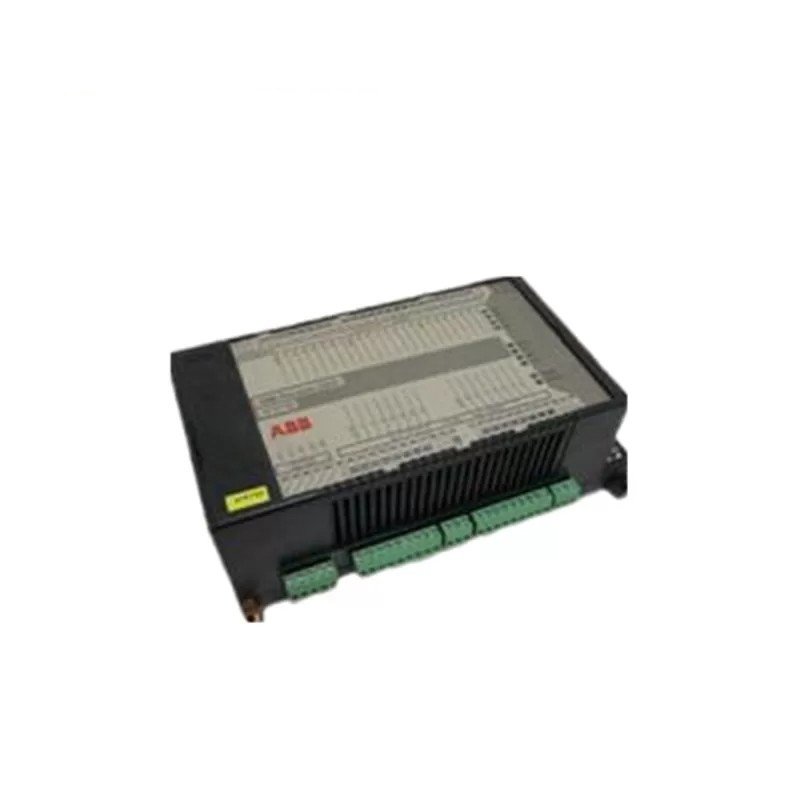
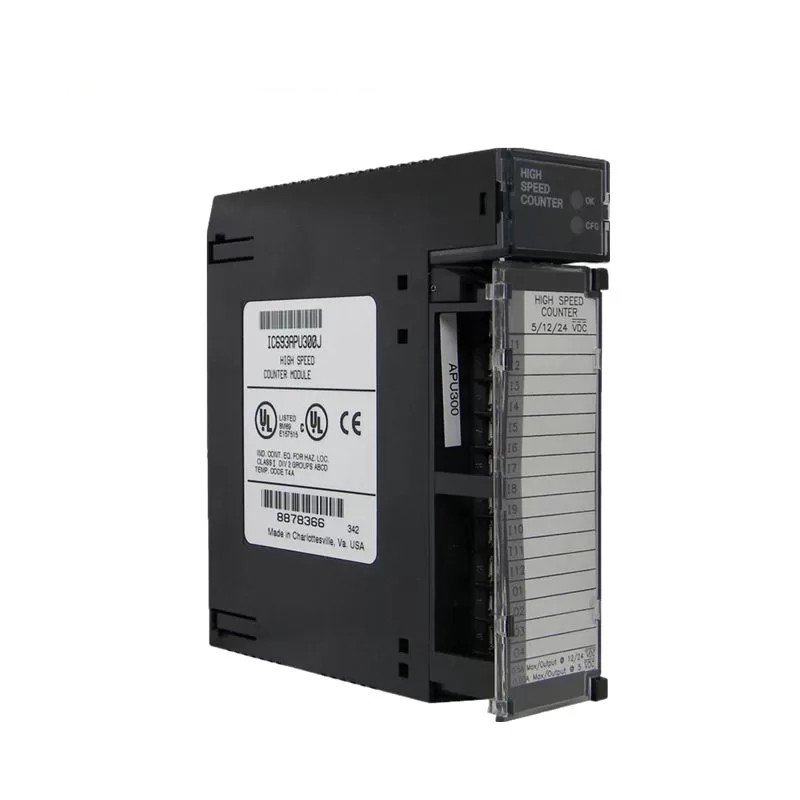
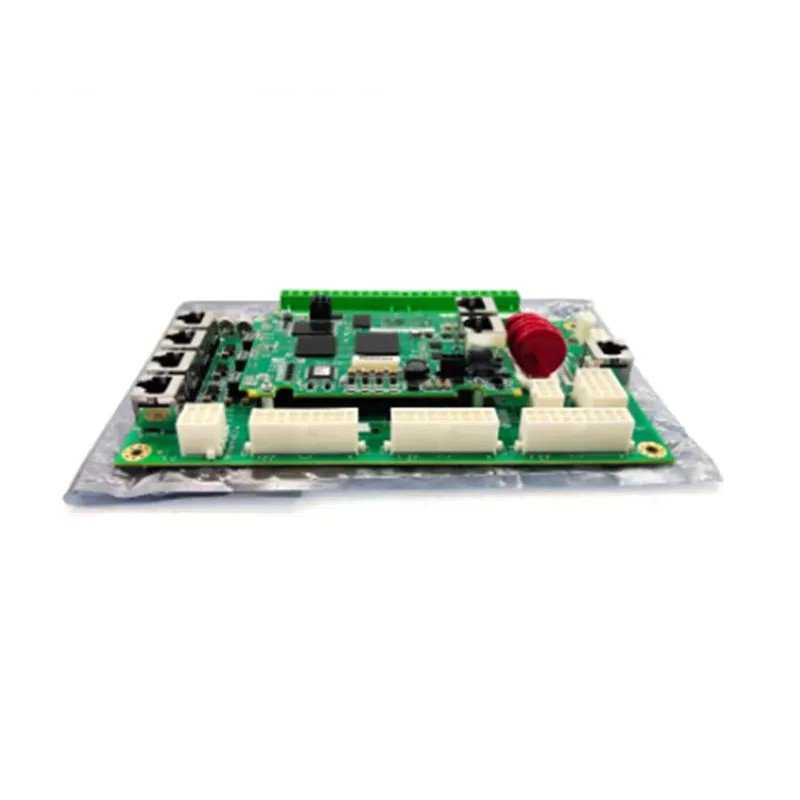
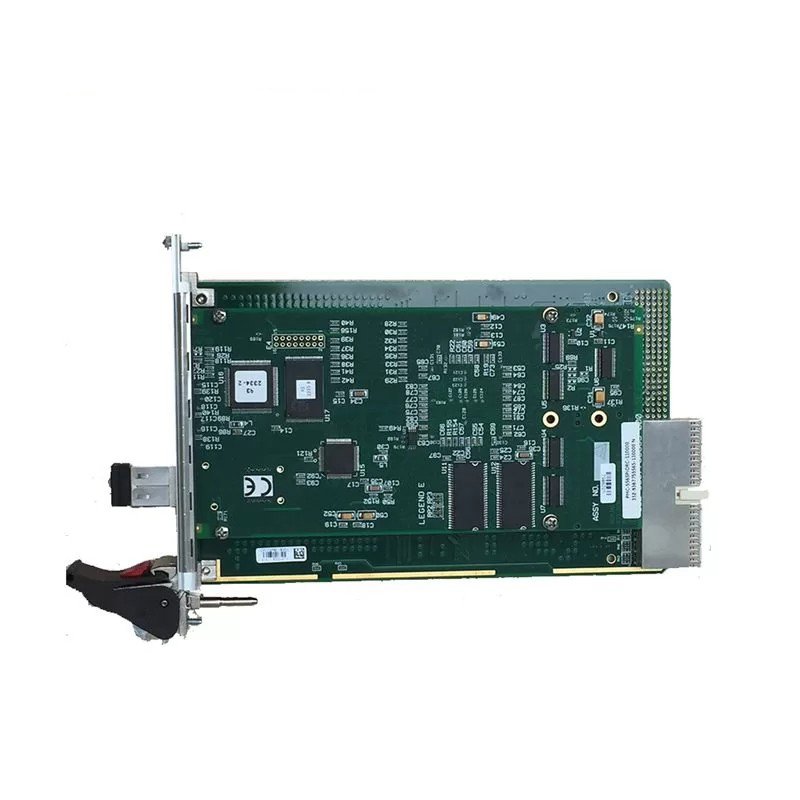
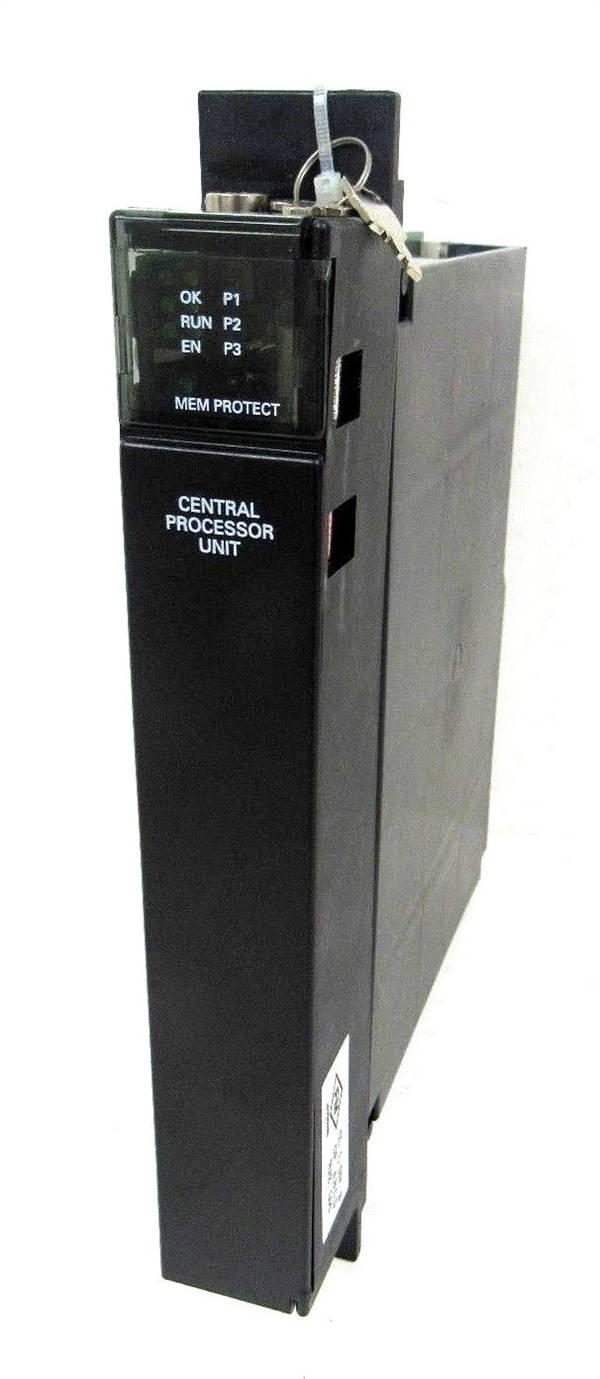
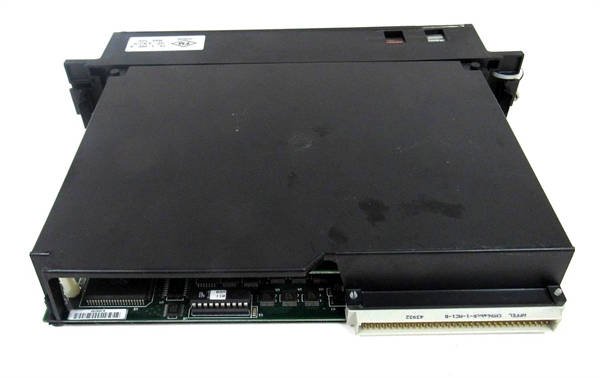
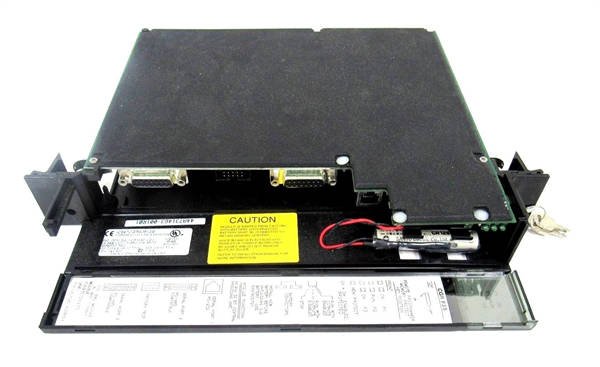
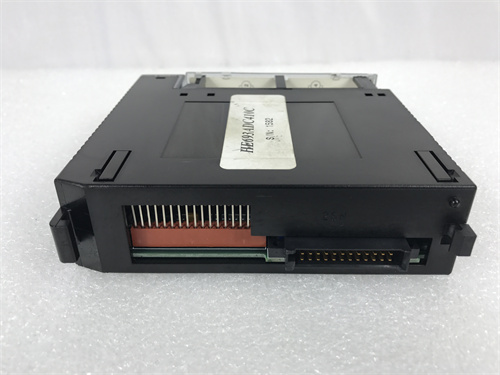
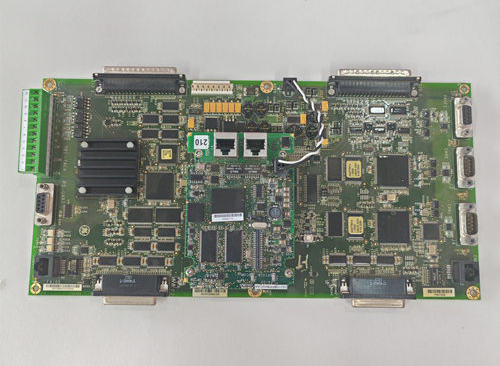
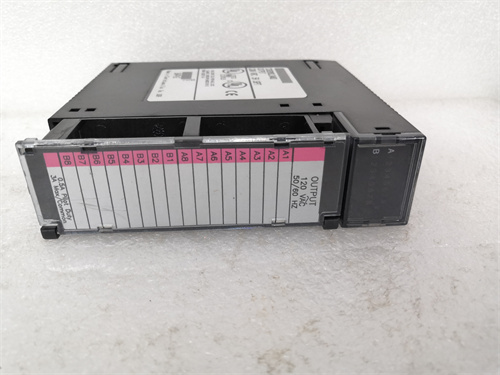
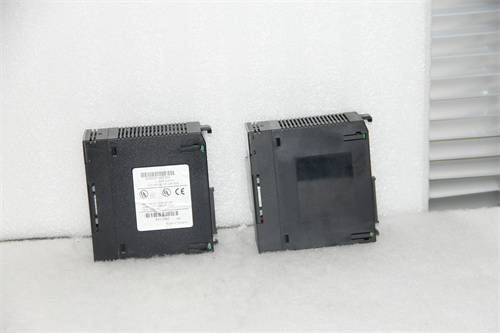
General Electric IC697CGR935 Communication Gateway Module
Manufacturer:General Electric
Product Number:GE IC697CGR935
Payment Methods:T/T, PayPal, Western Union
Condition:New & In Stock
Warranty:1 Year
Lead Time:1-3 Working Days
Certificate:COO
Courier partners:DHL, UPS, TNT, FedEx and EMS.
Business hours:7*24
Product Description
The GE IC697CGR935 is a high-performance, multi-protocol communication gateway module designed exclusively for GE’s Series 90-70 PLC platform. As a critical “bridge” between the Series 90-70 CPU (such as the flagship IC697CPU789) and diverse industrial devices/systems, it resolves protocol incompatibility challenges, enabling seamless data exchange across heterogeneous automation environments.
Unlike single-protocol communication modules, the IC697CGR935 natively supports six major industrial protocols—Modbus RTU, Modbus TCP/IP, Profinet IRT, Ethernet/IP, DeviceNet, and Profibus DP—eliminating the need for multiple specialized modules. It integrates directly with the Series 90-70 backplane, allowing the CPU to access data from up to 64 slave devices (e.g., variable-frequency drives, sensors, HMIs) and establish 32 simultaneous TCP/IP client connections. This versatility makes it ideal for retrofitting existing facilities or building new systems where legacy and modern devices coexist, ensuring unified control and monitoring under the Series 90-70 ecosystem.
Detailed Parameter Table
| Parameter Name | Parameter Value |
| Product model | IC697CGR935 |
| Manufacturer | GE (General Electric) Industrial Solutions |
| Product category | Series 90-70 PLC Communication Gateway Module |
| Supported communication protocols | Modbus RTU, Modbus TCP/IP, Profinet IRT, Ethernet/IP, DeviceNet, Profibus DP |
| Communication ports | 2 x 10/100 Base-TX Ethernet (for TCP/IP protocols), 2 x RS-485 (for Modbus RTU/Profibus DP), 1 x RS-232 (for configuration) |
| Data transfer rate | Ethernet: Up to 100 Mbps; RS-485: Up to 115.2 kbps; RS-232: Up to 921.6 kbps |
| Connectivity capacity | Supports up to 64 slave devices (Modbus RTU/Profibus DP); up to 32 TCP/IP client connections |
| Integration with Series 90-70 | Compatible with all Series 90-70 CPUs (including IC697CPU789, IC697CPU771); connects via Series 90-70 backplane |
| Physical dimensions | 101.6 mm (W) × 165.1 mm (H) × 190.5 mm (D) (fits Series 90-70 rack slots) |
| Power consumption | 5 V DC, 1.8 A (powered via Series 90-70 main rack backplane) |
| Environmental operating temp | 0°C to 60°C (32°F to 140°F) |
| Environmental storage temp | -40°C to 85°C (-40°F to 185°F) |
| Humidity tolerance | 5% to 95% relative humidity (non-condensing) |
| Vibration resistance | 5 g peak (10 Hz to 2000 Hz) per IEC 60068-2-6 |
| Shock resistance | 30 g peak (11 ms duration) per IEC 60068-2-27 |
| Compliance standards | UL 508, CSA C22.2 No. 14, IEC 61131-2, CE marked, FCC Part 15 Class A |
| Diagnostic features | LED indicators for power, backplane communication, each port status (active/fault), and protocol operation |
Core Advantages and Technical Highlights
Multi-protocol versatility for heterogeneous systems: The IC697CGR935 stands out for its support of six industry-standard protocols, a capability unmatched by many single-protocol gateways in the Series 90-70 lineup. For example, in a mixed automation environment, it can translate Modbus RTU data from legacy sensors into Ethernet/IP for the IC697CPU789 while simultaneously sending Profinet IRT commands to modern robotic arms—all without additional hardware. This eliminates protocol silos, reduces system complexity, and cuts costs by up to 40% compared to deploying multiple single-protocol modules.
High-speed data transfer and low latency: With Ethernet ports capable of 100 Mbps and optimized protocol processing, the IC697CGR935 ensures minimal data latency (≤ 1 ms for Profinet IRT) — critical for time-sensitive applications like high-speed packaging lines or automotive assembly. Unlike lower-performance gateways that cause bottlenecks, it maintains consistent throughput even when managing 64 slave devices, ensuring the IC697CPU789 receives real-time data for accurate control decisions. For example, in a chemical plant, it can transmit pressure sensor data (via Modbus RTU) to the CPU in under 500 µs, enabling rapid adjustments to valve positions and preventing process deviations.
Seamless Series 90-70 integration: Designed specifically for the Series 90-70 platform, the IC697CGR935 plugs directly into any available rack slot and communicates with the CPU via the 10 Mbps backplane—no external wiring or configuration tools required beyond GE’s Proficy Machine Edition. It automatically detects connected CPUs (including IC697CPU789 and IC697CPU771) and syncs with their data tables, allowing engineers to map device data to the CPU’s memory with drag-and-drop simplicity. This integration reduces commissioning time by up to 30% compared to third-party gateways, which require manual protocol translation and data mapping.
Robust fault tolerance and diagnostics: The IC697CGR935 is built for industrial reliability, with redundant communication paths (dual Ethernet and RS-485 ports) that automatically switch to backup if a primary port fails—preventing data loss in mission-critical applications. Its LED indicators provide real-time status: green for power, blue for backplane communication, and per-port LEDs (green for active, red for fault) for quick issue identification. For deeper troubleshooting, it logs detailed error data (e.g., protocol timeouts, invalid messages) that can be accessed via Proficy Machine Edition or a web-based interface. This diagnostic capability allows maintenance teams to resolve issues in minutes, not hours—minimizing unplanned downtime.
Typical Application Scenarios
Automotive manufacturing plants: In automotive facilities, the IC697CGR935 serves as the communication hub between the IC697CPU789 (controlling assembly lines) and a mix of devices: legacy conveyor belts (Modbus RTU), modern robotic arms (Profinet IRT), and quality inspection cameras (Ethernet/IP). It translates data between these protocols, enabling the CPU to synchronize robot movements with conveyor speeds and trigger camera inspections—reducing cycle times and improving product quality. For example, when a robot completes a welding task, it sends a status update via Profinet IRT to the gateway, which forwards it to the CPU via the backplane. The CPU then signals the conveyor (via Modbus RTU) to advance the vehicle chassis—all in under 2 ms.
Oil and gas refineries: Refineries rely on the IC697CGR935 to connect the IC697CPU789 (managing process control) with remote sensors (Modbus RTU over long-distance RS-485) and SCADA systems (Ethernet/IP). It transmits real-time data on temperature, pressure, and flow rates from wellheads to the CPU, which adjusts valves and pumps to maintain safe operating conditions. The gateway’s redundant Ethernet ports ensure uninterrupted communication with the SCADA system—critical for emergency shutdowns: if a primary Ethernet port fails, the gateway automatically switches to the backup, allowing the SCADA system to receive alarm signals and trigger shutdown procedures within 100 ms.
Water and wastewater treatment plants: In water treatment facilities, the IC697CGR935 integrates the IC697CPU789 with DeviceNet-enabled pumps, Modbus RTU flow meters, and Ethernet/IP-enabled HMIs. It translates pump status data (DeviceNet) into a format the CPU can process, allowing for automated control of filtration and disinfection processes. For example, when a flow meter detects low water pressure (via Modbus RTU), it sends an alert to the gateway, which forwards it to the CPU. The CPU then increases pump speed (via DeviceNet) to restore pressure—all without human intervention. The gateway also sends data to HMIs, enabling operators to monitor system performance in real time.
Installation, Commissioning and Maintenance Instructions
Installation preparation: Before installing the IC697CGR935, power off the Series 90-70 main rack and wear an anti-static wristband to prevent electrostatic damage. Ensure the rack (e.g., IC697RACK20) has an available slot (slots 2-20, as slot 1 is reserved for the CPU) and is powered by a compatible supply (e.g., IC697PWR711). Gather tools: a screwdriver (to secure the module to the rack), a torque wrench (to tighten rack screws to 4.5 N·m), a USB-to-RS-232 cable (for initial configuration), and Ethernet/RS-485 cables (for device connections). Verify the environment: temperatures 0°C-60°C, humidity 5%-95% non-condensing, and no exposure to corrosive gases or excessive dust—conditions that could damage the gateway’s ports.
Commissioning steps:
Insert the IC697CGR935 into the rack slot, aligning the backplane connector, and secure it with screws (torque to 4.5 N·m).
Power on the rack and confirm the gateway’s power LED turns green (indicates power is supplied) and the backplane LED turns blue (indicates communication with the CPU, e.g., IC697CPU789).
Connect a PC to the gateway’s RS-232 port via the USB-to-RS-232 cable, launch Proficy Machine Edition, and detect the gateway.
Configure protocols: Select the required protocols (e.g., Modbus RTU for RS-485 Port 1, Ethernet/IP for Ethernet Port 1) and map device data to the CPU’s memory addresses (e.g., map a temperature sensor’s data to the CPU’s Input Register 40001).
Connect devices to the gateway’s ports (e.g., RS-485 sensors to Port 1, Ethernet/IP HMIs to Port 1) and test communication: send a test command from the CPU to a device (e.g., “read temperature”) and verify the gateway forwards the command and returns the response.
Maintenance suggestions:
Daily: Inspect LEDs—green power, blue backplane, and per-port green (active) indicate normal operation. Red port LEDs signal faults (e.g., disconnected cable, protocol mismatch).
Weekly: Clean the gateway’s ports and backplane connector with a dry, lint-free cloth to remove dust (prevents intermittent connections).
Monthly: Back up the gateway’s configuration (via Proficy Machine Edition) to a PC or external drive—critical for quick recovery if the gateway fails.
Quarterly: Test redundant ports (e.g., disconnect Ethernet Port 1 and confirm communication switches to Port 2) to ensure fault tolerance.
Annually: Update the gateway’s firmware via GE’s support portal—ensure firmware is compatible with the CPU (e.g., IC697CPU789) and connected modules, and perform updates during non-production hours.
 Loading comments...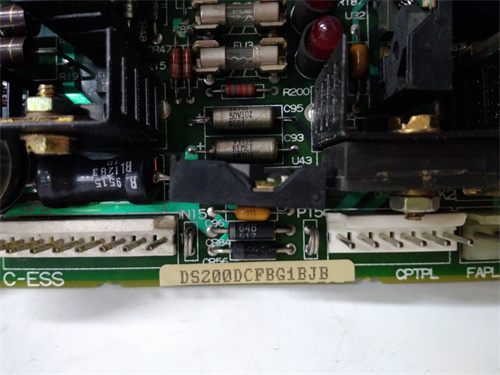
General Electric IC697CGR935 Communication Gateway Module
Manufacturer:General Electric
Product Number:GE IC697CGR935
Payment Methods:T/T, PayPal, Western Union
Condition:New & In Stock
Warranty:1 Year
Lead Time:1-3 Working Days
Certificate:COO
Courier partners:DHL, UPS, TNT, FedEx and EMS.
Business hours:7*24
Product Description
The GE IC697CGR935 is a high-performance, multi-protocol communication gateway module designed exclusively for GE’s Series 90-70 PLC platform. As a critical “bridge” between the Series 90-70 CPU (such as the flagship IC697CPU789) and diverse industrial devices/systems, it resolves protocol incompatibility challenges, enabling seamless data exchange across heterogeneous automation environments.
Unlike single-protocol communication modules, the IC697CGR935 natively supports six major industrial protocols—Modbus RTU, Modbus TCP/IP, Profinet IRT, Ethernet/IP, DeviceNet, and Profibus DP—eliminating the need for multiple specialized modules. It integrates directly with the Series 90-70 backplane, allowing the CPU to access data from up to 64 slave devices (e.g., variable-frequency drives, sensors, HMIs) and establish 32 simultaneous TCP/IP client connections. This versatility makes it ideal for retrofitting existing facilities or building new systems where legacy and modern devices coexist, ensuring unified control and monitoring under the Series 90-70 ecosystem.
Detailed Parameter Table
| Parameter Name | Parameter Value |
| Product model | IC697CGR935 |
| Manufacturer | GE (General Electric) Industrial Solutions |
| Product category | Series 90-70 PLC Communication Gateway Module |
| Supported communication protocols | Modbus RTU, Modbus TCP/IP, Profinet IRT, Ethernet/IP, DeviceNet, Profibus DP |
| Communication ports | 2 x 10/100 Base-TX Ethernet (for TCP/IP protocols), 2 x RS-485 (for Modbus RTU/Profibus DP), 1 x RS-232 (for configuration) |
| Data transfer rate | Ethernet: Up to 100 Mbps; RS-485: Up to 115.2 kbps; RS-232: Up to 921.6 kbps |
| Connectivity capacity | Supports up to 64 slave devices (Modbus RTU/Profibus DP); up to 32 TCP/IP client connections |
| Integration with Series 90-70 | Compatible with all Series 90-70 CPUs (including IC697CPU789, IC697CPU771); connects via Series 90-70 backplane |
| Physical dimensions | 101.6 mm (W) × 165.1 mm (H) × 190.5 mm (D) (fits Series 90-70 rack slots) |
| Power consumption | 5 V DC, 1.8 A (powered via Series 90-70 main rack backplane) |
| Environmental operating temp | 0°C to 60°C (32°F to 140°F) |
| Environmental storage temp | -40°C to 85°C (-40°F to 185°F) |
| Humidity tolerance | 5% to 95% relative humidity (non-condensing) |
| Vibration resistance | 5 g peak (10 Hz to 2000 Hz) per IEC 60068-2-6 |
| Shock resistance | 30 g peak (11 ms duration) per IEC 60068-2-27 |
| Compliance standards | UL 508, CSA C22.2 No. 14, IEC 61131-2, CE marked, FCC Part 15 Class A |
| Diagnostic features | LED indicators for power, backplane communication, each port status (active/fault), and protocol operation |
Core Advantages and Technical Highlights
Multi-protocol versatility for heterogeneous systems: The IC697CGR935 stands out for its support of six industry-standard protocols, a capability unmatched by many single-protocol gateways in the Series 90-70 lineup. For example, in a mixed automation environment, it can translate Modbus RTU data from legacy sensors into Ethernet/IP for the IC697CPU789 while simultaneously sending Profinet IRT commands to modern robotic arms—all without additional hardware. This eliminates protocol silos, reduces system complexity, and cuts costs by up to 40% compared to deploying multiple single-protocol modules.
High-speed data transfer and low latency: With Ethernet ports capable of 100 Mbps and optimized protocol processing, the IC697CGR935 ensures minimal data latency (≤ 1 ms for Profinet IRT) — critical for time-sensitive applications like high-speed packaging lines or automotive assembly. Unlike lower-performance gateways that cause bottlenecks, it maintains consistent throughput even when managing 64 slave devices, ensuring the IC697CPU789 receives real-time data for accurate control decisions. For example, in a chemical plant, it can transmit pressure sensor data (via Modbus RTU) to the CPU in under 500 µs, enabling rapid adjustments to valve positions and preventing process deviations.
Seamless Series 90-70 integration: Designed specifically for the Series 90-70 platform, the IC697CGR935 plugs directly into any available rack slot and communicates with the CPU via the 10 Mbps backplane—no external wiring or configuration tools required beyond GE’s Proficy Machine Edition. It automatically detects connected CPUs (including IC697CPU789 and IC697CPU771) and syncs with their data tables, allowing engineers to map device data to the CPU’s memory with drag-and-drop simplicity. This integration reduces commissioning time by up to 30% compared to third-party gateways, which require manual protocol translation and data mapping.
Robust fault tolerance and diagnostics: The IC697CGR935 is built for industrial reliability, with redundant communication paths (dual Ethernet and RS-485 ports) that automatically switch to backup if a primary port fails—preventing data loss in mission-critical applications. Its LED indicators provide real-time status: green for power, blue for backplane communication, and per-port LEDs (green for active, red for fault) for quick issue identification. For deeper troubleshooting, it logs detailed error data (e.g., protocol timeouts, invalid messages) that can be accessed via Proficy Machine Edition or a web-based interface. This diagnostic capability allows maintenance teams to resolve issues in minutes, not hours—minimizing unplanned downtime.
Typical Application Scenarios
Automotive manufacturing plants: In automotive facilities, the IC697CGR935 serves as the communication hub between the IC697CPU789 (controlling assembly lines) and a mix of devices: legacy conveyor belts (Modbus RTU), modern robotic arms (Profinet IRT), and quality inspection cameras (Ethernet/IP). It translates data between these protocols, enabling the CPU to synchronize robot movements with conveyor speeds and trigger camera inspections—reducing cycle times and improving product quality. For example, when a robot completes a welding task, it sends a status update via Profinet IRT to the gateway, which forwards it to the CPU via the backplane. The CPU then signals the conveyor (via Modbus RTU) to advance the vehicle chassis—all in under 2 ms.
Oil and gas refineries: Refineries rely on the IC697CGR935 to connect the IC697CPU789 (managing process control) with remote sensors (Modbus RTU over long-distance RS-485) and SCADA systems (Ethernet/IP). It transmits real-time data on temperature, pressure, and flow rates from wellheads to the CPU, which adjusts valves and pumps to maintain safe operating conditions. The gateway’s redundant Ethernet ports ensure uninterrupted communication with the SCADA system—critical for emergency shutdowns: if a primary Ethernet port fails, the gateway automatically switches to the backup, allowing the SCADA system to receive alarm signals and trigger shutdown procedures within 100 ms.
Water and wastewater treatment plants: In water treatment facilities, the IC697CGR935 integrates the IC697CPU789 with DeviceNet-enabled pumps, Modbus RTU flow meters, and Ethernet/IP-enabled HMIs. It translates pump status data (DeviceNet) into a format the CPU can process, allowing for automated control of filtration and disinfection processes. For example, when a flow meter detects low water pressure (via Modbus RTU), it sends an alert to the gateway, which forwards it to the CPU. The CPU then increases pump speed (via DeviceNet) to restore pressure—all without human intervention. The gateway also sends data to HMIs, enabling operators to monitor system performance in real time.
Installation, Commissioning and Maintenance Instructions
Installation preparation: Before installing the IC697CGR935, power off the Series 90-70 main rack and wear an anti-static wristband to prevent electrostatic damage. Ensure the rack (e.g., IC697RACK20) has an available slot (slots 2-20, as slot 1 is reserved for the CPU) and is powered by a compatible supply (e.g., IC697PWR711). Gather tools: a screwdriver (to secure the module to the rack), a torque wrench (to tighten rack screws to 4.5 N·m), a USB-to-RS-232 cable (for initial configuration), and Ethernet/RS-485 cables (for device connections). Verify the environment: temperatures 0°C-60°C, humidity 5%-95% non-condensing, and no exposure to corrosive gases or excessive dust—conditions that could damage the gateway’s ports.
Commissioning steps:
Insert the IC697CGR935 into the rack slot, aligning the backplane connector, and secure it with screws (torque to 4.5 N·m).
Power on the rack and confirm the gateway’s power LED turns green (indicates power is supplied) and the backplane LED turns blue (indicates communication with the CPU, e.g., IC697CPU789).
Connect a PC to the gateway’s RS-232 port via the USB-to-RS-232 cable, launch Proficy Machine Edition, and detect the gateway.
Configure protocols: Select the required protocols (e.g., Modbus RTU for RS-485 Port 1, Ethernet/IP for Ethernet Port 1) and map device data to the CPU’s memory addresses (e.g., map a temperature sensor’s data to the CPU’s Input Register 40001).
Connect devices to the gateway’s ports (e.g., RS-485 sensors to Port 1, Ethernet/IP HMIs to Port 1) and test communication: send a test command from the CPU to a device (e.g., “read temperature”) and verify the gateway forwards the command and returns the response.
Maintenance suggestions:
Daily: Inspect LEDs—green power, blue backplane, and per-port green (active) indicate normal operation. Red port LEDs signal faults (e.g., disconnected cable, protocol mismatch).
Weekly: Clean the gateway’s ports and backplane connector with a dry, lint-free cloth to remove dust (prevents intermittent connections).
Monthly: Back up the gateway’s configuration (via Proficy Machine Edition) to a PC or external drive—critical for quick recovery if the gateway fails.
Quarterly: Test redundant ports (e.g., disconnect Ethernet Port 1 and confirm communication switches to Port 2) to ensure fault tolerance.
Annually: Update the gateway’s firmware via GE’s support portal—ensure firmware is compatible with the CPU (e.g., IC697CPU789) and connected modules, and perform updates during non-production hours.
Need a Custom Automation Solution?
Our team of experts can design and implement a tailored automation system to meet your specific requirements.